

For Power BI vs Tableau vs Looker, our starting recommendation is Power BI for Microsoft-centered reporting, Tableau for analyst-led visual exploration, and Looker for warehouse-based analytics with centrally defined metrics. The right purchase still depends on licensing, data preparation, security, and who will maintain the system. These are starting recommendations based on the platforms’ documented capabilities, not a universal ranking.
Before comparing demonstrations, identify the decisions your team needs to make. Deuex Solutions’ Data Visualization and Analytics Services can help you assess the data, dashboard requirements, and reporting workflows behind that choice.
Quick Summary / Key Takeaways
- Compare the complete operating model, not just the dashboard editor. Include authors, viewers, data preparation, hosting, and support in the evaluation.
- Separate internal reporting from customer-facing embedded BI. The licensing and access design can differ substantially.
- Test shortlisted products with the same business question, dataset, permission rules, and success criteria before committing.
What Happens When the Presenter Hands Over the Mouse?
Consider a fictional purchasing trial at a distributor operating in India and the UAE.
The demonstration looks excellent. Revenue charts respond instantly. Regional filters work. Then the finance manager takes the mouse and asks to exclude canceled orders, apply the approved exchange rate, and restrict each branch manager to their own records.
The conversation changes.
She is no longer evaluating a chart. She is testing whether the system can support the company’s definition of revenue without creating another reporting project every month.
That is the buying question this guide uses. Not which screen looks most impressive, but which platform your team can own after the demonstration ends.
Power BI vs Tableau vs Looker: What Are the Main Differences?
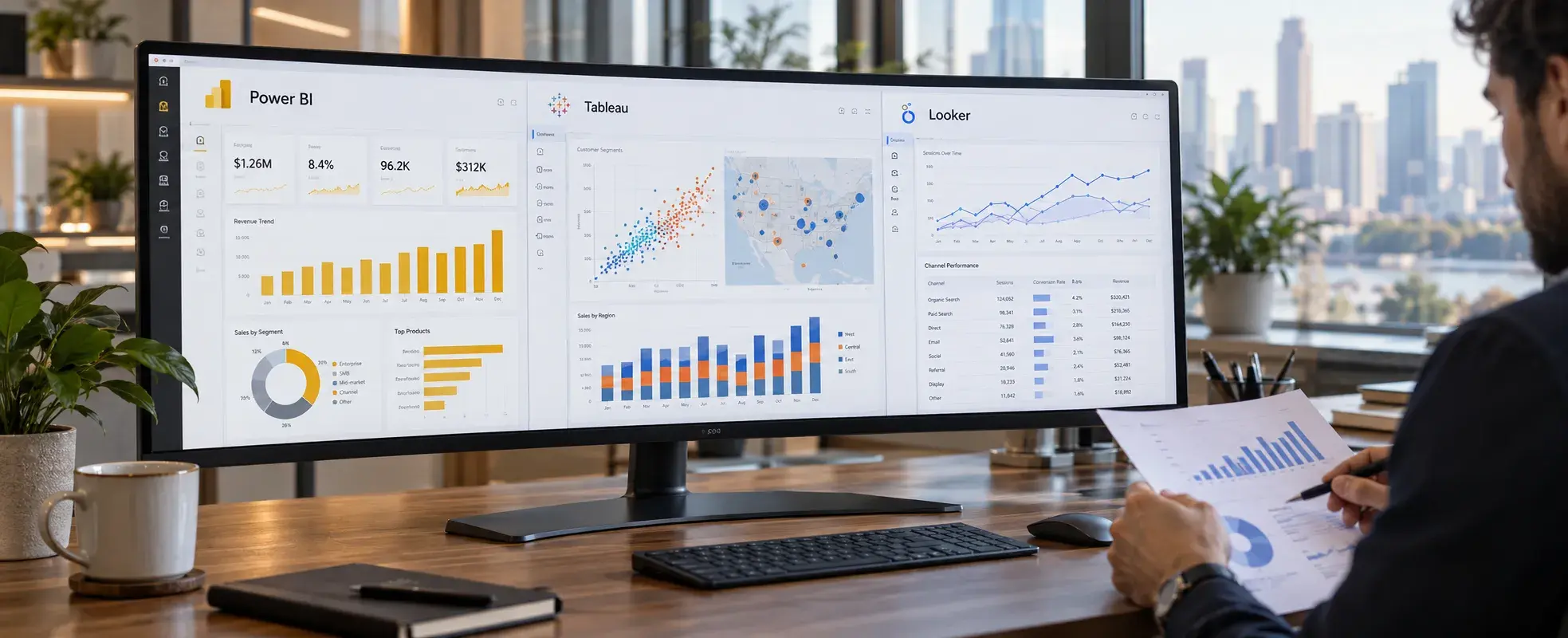
All three support business analytics, but their modeling, authoring, and commercial arrangements differ. This business intelligence tools comparison separates documented capabilities from our suggested evaluation priorities.
This comparison covers enterprise Looker, not Google’s separate Studio reporting product. Google renamed Looker Studio to Data Studio in April 2026. Its no-cost offering should not be used as the price for enterprise Looker.
When Does Power BI Make Business Sense?
We would put Power BI on the shortlist when reporting already depends heavily on Excel, Microsoft services, or existing Microsoft licensing. Its documented capabilities include Power Query, DAX, and connections to sources such as Excel, SQL databases, Dynamics 365, and Salesforce.
A useful Power BI consulting brief starts with a reporting problem: management accounts arrive late, margin calculations differ across departments, or every branch maintains another workbook. Ask for a shared model, named metric owners, and a repeatable refresh process, not merely a collection of attractive reports.
What should you check before buying?
First, decide how information reaches the report. Import stores a copy in the model; DirectQuery queries the source; Direct Lake is a Fabric-specific option for eligible data. These are different architectural choices, not interchangeable labels for instant reporting.
Second, check authoring requirements. Power BI Desktop is a Windows application. A Mac-based analyst team should evaluate the available browser workflow or managed Windows environment rather than assuming an identical desktop experience.
Third, calculate sharing costs. A free authoring download is not unrestricted private distribution. Per-user licenses, workspace type, and capacity determine who can consume content; qualifying F64-or-larger Fabric capacity can support free viewers under Microsoft’s licensing conditions.
Our recommendation: settle these decisions before funding dashboard production.
When Is Tableau the Better Candidate?
We would evaluate Tableau closely when analysts need to investigate changing questions, build interactive views, and explore geographical or operational patterns. Its authoring tools support calculations, maps, dashboard actions, and visual exploration. Tableau Desktop is available for Windows and macOS.
There is also a deployment choice. Tableau Cloud is vendor-hosted, while Tableau Server provides a deployment your organization operates. Budget the administration and infrastructure work when evaluating Server rather than comparing its license alone with a hosted service.
Tableau is not limited to uploaded extracts. It supports both live connections and extracts, and published data sources can use either approach. That distinction matters when comparing freshness, source-system load, and scheduled refreshes.
Does visual freedom mean weaker governance?
Not automatically. Tableau documents governance for both data and content, including ownership, controls, and repeatable processes.
For a Tableau vs Looker evaluation, ask how each proposed setup prevents two analysts from publishing different definitions of the same metric. Do not accept “Looker has governance; Tableau does not” as a useful comparison.
Our guide to interactive dashboard design covers the separate question of whether the finished report helps people make decisions. Platform selection and dashboard usability deserve separate acceptance tests.
When Should You Choose Looker?
Looker deserves attention when the business wants a reusable semantic layer over SQL-based data. A semantic layer defines business concepts, calculations, and relationships so users do not have to reconstruct them for every report.
LookML describes those definitions in project files, typically managed through Git. Looker translates user selections into SQL, allowing business users to explore modeled data without writing SQL themselves.
For example, a SaaS company could define an “active customer” once in its model and use that definition across several reports. That is a proposed design, not an automatic guarantee that every metric will remain consistent.
What is the trade-off?
Someone must own the model. Ask who will maintain joins, measures, access rules, and changes when the warehouse evolves. A well-defined model may be valuable; an unattended one is not a governance strategy.
Looker supports multiple SQL database dialects, not only BigQuery. Support varies by dialect and by the Looker offering, so confirm your database and required features explicitly.
One correction matters: Looker does cache query results. Do not describe it as a product that never stores data or always shows the newest source record. Its cache policy belongs in both performance and data-handling discussions.
How Much Do Power BI, Tableau, and Looker Cost?

Compare named plans and billing commitments. Prices checked 21 Oct 2026. Review again by 21 Jan 2027. These are published prices, not project quotations or currency conversions.
What would a 50-person example cost?
For illustration, 50 Power BI Pro licenses at the US list rate equal USD 8,400 annually. At the published India rate, the same count equals INR 699,000 annually before GST.
A Tableau Cloud Standard mix of five Creators, ten Explorers, and 35 Viewers equals USD 15,840 annually at its published US prices.
These are arithmetic examples using the cited rates, not equivalent feature bundles or complete budgets. Existing entitlements, capacity requirements, negotiated terms, and local billing can change the comparison. Do not invent a Looker minimum from an unrelated customer’s quote.
For buyers in India and the UAE, request local commercial terms rather than converting a US price and treating it as a binding offer.
Which Costs Should Sit Outside the License Comparison?
Request a three-year cost model covering data preparation, report development, access configuration, hosting, support, training, and future changes. Include the cost of keeping the existing reporting system running during migration.
This is our suggested budgeting framework, not a market-price estimate.
A useful scope should state how many source systems and reports are included, which historical records will move, who resolves data discrepancies, and what happens when a source field changes. Separate launch work from recurring support.
The commercial question is not merely, “What does each seat cost?” Ask, “What will we spend to keep the numbers usable and trusted?”
Which Tool Fits Embedded BI?
Embedded BI places analytics inside another application, such as a customer portal. All three offer embedding capabilities, but their identity and licensing arrangements are not identical.
Power BI distinguishes embedding for internal users from its app-owns-data model for customers. In the customer model, end users do not need individual Power BI licenses, but production use requires purchased capacity.
Tableau’s Embedding API supports placing and controlling visualizations within web applications. Confirm the deployment, authentication method, and applicable commercial agreement before assuming ordinary viewer pricing covers your customer portal.
Looker supports signed embedding. For Google Cloud core, enabling that feature requires the Embed edition; Looker original has its own enablement requirements.
During a pilot, create two customer accounts and attempt to access one account’s information from the other. Also test exports, expired sessions, and access revocation. Treat those as acceptance tests, not features demonstrated with an administrator account.
Which Platform Will Be Faster With Your Data?

We would not choose a universal speed winner from the available evidence.
Power BI provides several storage modes, Tableau supports live connections and extracts, and Looker can serve cached results or execute SQL against the source. Those different paths make a fair performance comparison dependent on the configuration being tested.
Run the same questions with comparable data freshness and realistic concurrent usage. Record cold and warm response times, refresh duration, failed queries, and the cost of the underlying compute.
A fast cached demonstration does not answer whether yesterday’s unprocessed orders are visible.
For latency-sensitive requirements, our article on real-time analytics and streaming data provides related architectural context. Decide how fresh information must be before insisting that every dashboard be live.
How Much Weight Should AI Features Carry?
Treat AI as a capability to test, not a reason to skip the data model.
Power BI Copilot has capacity, administrator, and regional requirements. Microsoft states that a Pro or Premium Per User license alone is insufficient; qualifying paid capacity is required.
Tableau packages AI capabilities by edition and deployment. Looker’s Gemini-powered Conversational Analytics uses its semantic layer, and Google’s documentation warns that plausible outputs can still be incorrect.
Ask the assistant to explain a margin decline using approved definitions. Then inspect filters, dates, calculations, and access boundaries. A fluent paragraph is not the acceptance criterion. A defensible answer is.
What Does Research Tell Us About BI Selection?
Two studies help frame the buying decision. Neither is a benchmark proving that one of these three products wins.
Eugenie Y. Lai, Yeye He, and Surajit Chaudhuri’s 2025 Auto-Prep research examined roughly 2,000 real BI projects from public sources. It found that preparing data frequently involved intertwined reshaping and table-joining work. Our takeaway: dashboard authoring should not be budgeted as though usable data arrives automatically.
Alper Sarikaya, Michael Correll, Lyn Bartram, Melanie Tory, and Danyel Fisher’s research on dashboard purposes and design examined examples and literature to characterize different purposes, audiences, and interaction needs. It suggests that “a dashboard” is not one uniform product requirement. A branch manager monitoring exceptions and an analyst investigating causes need different experiences.
These findings support evaluating the workflow around the tool. For the ownership question, our single source of truth article discusses shared definitions, lineage, and accountable data owners.
What does a real customer example show?
In Tableau’s published Marico customer story, the company described creating visualization prototypes within hours, compared with work that had previously taken up to four days. The story also describes connections to SAP BW and SQL Server.
That is a vendor-published customer account, not an independent comparison or a result every buyer should expect. Its useful lesson is narrower: test the analytical work your employees actually need to perform.
How Should India and UAE Buyers Run a Pilot?

Use a short, bounded evaluation before committing to a wider rollout. Our suggested test plan is below; it is not a promised delivery timeline.
Include India and UAE entity boundaries, currency conversion rules, reporting calendars, and actual office devices in the test data. Ask vendors to document where source data, extracts, caches, exports, and AI requests are processed. Have your security and legal teams assess that proposed setup.
Do not select based on the cloud provider’s country name alone.
Return to the fictional purchasing trial. The deciding moment is not the first dashboard reveal. It is whether another employee can explain the calculation, change it safely, and understand who will receive the result.
Choose the Platform You Can Keep Trustworthy
Our recommendation is to buy a reporting operating model, not a collection of demonstration charts.
Bring your source systems, user roles, key metrics, and sample reports to a scoping discussion. Ask what should be modeled centrally, what analysts should control, and what the finished service will cost to maintain.
For India-based teams and UAE businesses evaluating a technology partner, contact Deuex Solutions to discuss a BI assessment built around those questions.
The better choice is the platform your team can explain, maintain, and use after the sales presentation has ended.


Sanket Shah
CEO & Founder
I am Sanket Shah, founder and CEO of Deuex Solutions, where I focus on building scalable web mobile and data driven software products with a background in software development. I enjoy turning ideas into reliable digital solutions and working with teams to solve real world problems through technology.


