

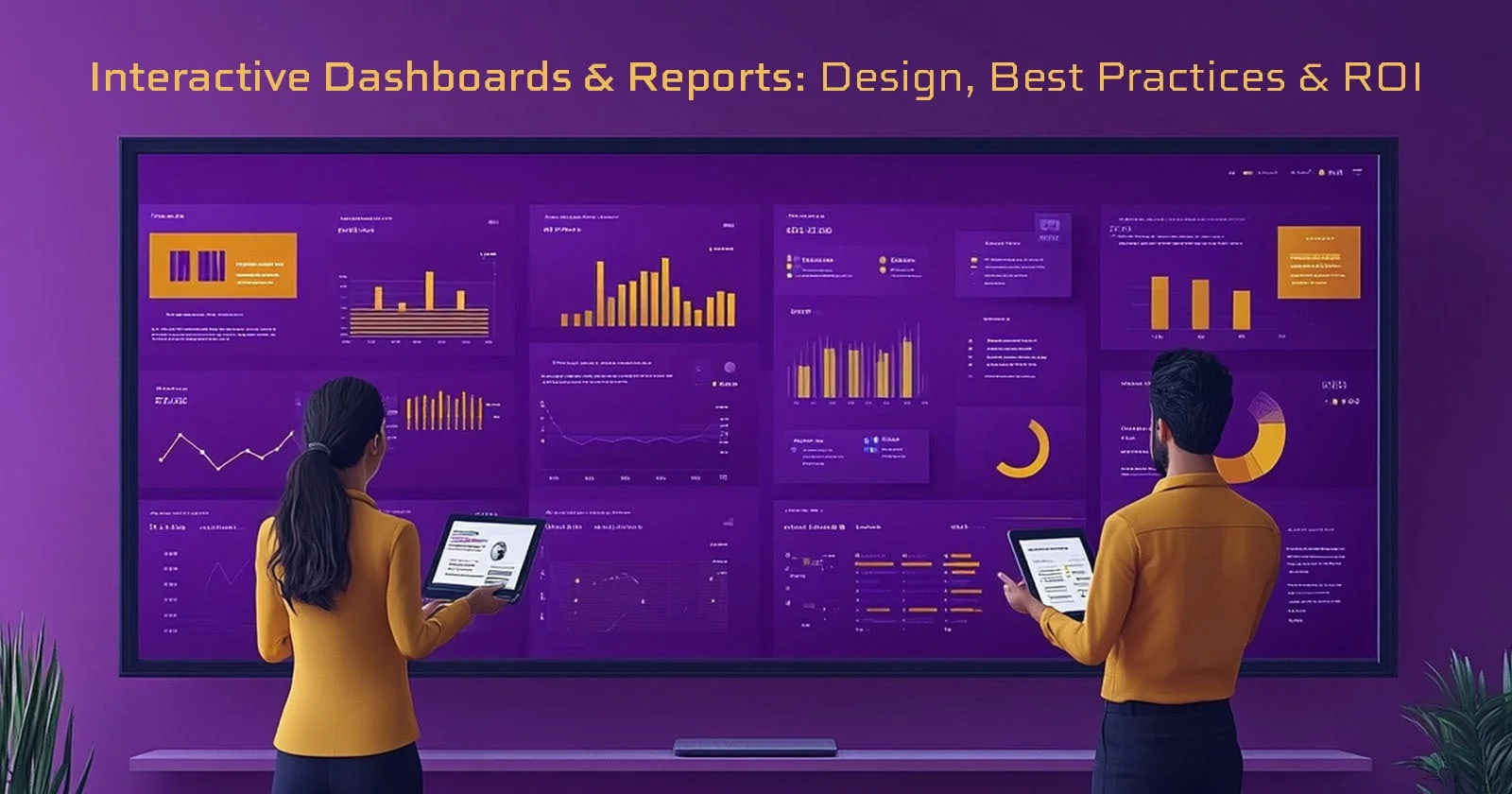
Data tells stories - but only when people can explore it, question it, and interact with it. That’s where interactive dashboards and reports shine. They turn raw numbers into meaningful insights, offering a dynamic space where users can filter information, drill down into specifics, and uncover patterns with just a few clicks.
In a world where businesses generate more data than ever, interactive dashboards act as the bridge between complexity and clarity. They empower teams to make decisions faster, spot issues sooner, and personalize insights for every stakeholder - from executives to frontline staff.
This blog breaks down everything you need to know about designing interactive dashboards and reports, including real-world use cases, best practices, must-have features, and how strong dashboard strategy can dramatically boost ROI.

What Are Interactive Dashboards and Reports?
An interactive dashboard is a dynamic visual interface that displays data in a way people can explore freely. Instead of passively viewing static charts, users can filter, drill down, change date ranges, or switch visualizations - all in real time.
Think of it as a living, breathing command center for your business performance.
Key characteristics:
- Real-time updates
- Clickable charts and drill-downs
- Custom views for different users
- Ability to compare metrics and uncover trends quickly
With interactive dashboards and reports, data becomes a conversation instead of a one-way broadcast.
How Interactive Dashboards and Reports Differ from Traditional Reports

Traditional dashboards show you what happened.
Interactive dashboards show you why it happened.
Static dashboards and PDF reports freeze data in time. To go deeper, users must manually search through spreadsheets, exports, or separate systems - a slow and frustrating process.
In contrast, interactive dashboards and reports allow you to:
Drill Down Into Real-Time Insights With Interactive Data Exploration
Users can move from a top-level view to granular details instantly.
For example:
- Click a bar in a sales chart to see performance by region
- Filter customer data by age, behavior, or geography
- Toggle between months, quarters, or years in one click
This eliminates guesswork and accelerates decision-making.
Use Visual Cues for Faster Understanding
Colors, alerts, icons, and status indicators help teams understand performance at a glance.
People intuitively recognize:
- Green = good
- Yellow = caution
- Red = take action
This makes dashboards easy for non-technical users, not just analysts.
Access Consolidated Data Across Systems
Modern BI tools combine multiple sources - ERP, CRM, eCommerce, finance, and operations - into one unified view.
If you are comparing dashboard platforms, see our Power BI vs Tableau vs Looker guide for differences in pricing, governance, deployment, and day-to-day ownership.
Instead of scattered spreadsheets, teams see:
- Sales
- Inventory
- Finance
- Marketing
- Operations
All in one place. No stitching, no manual work.
Business Benefits of Interactive Dashboards and Reports
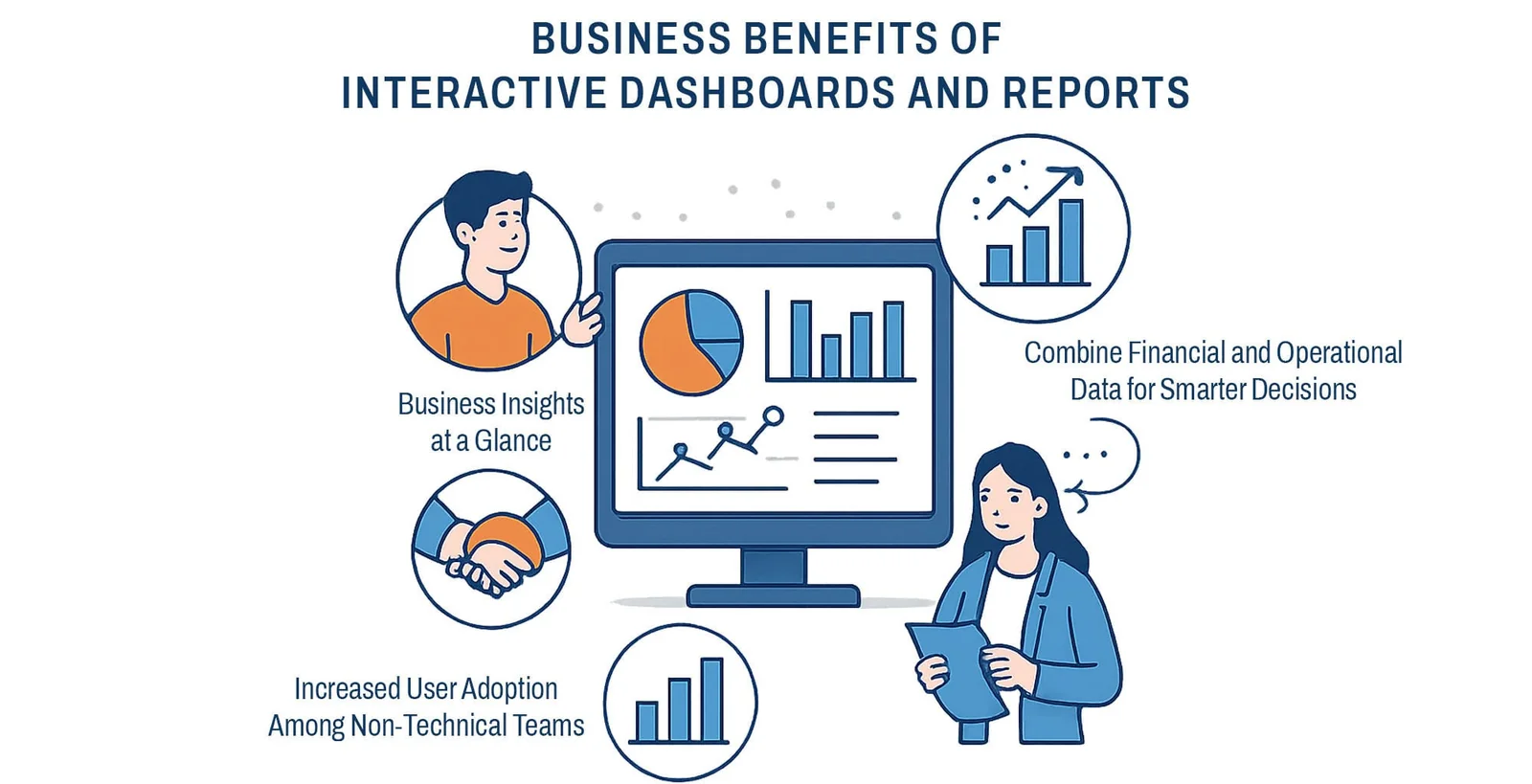
Interactive dashboards and reports transform how organizations run. They bring structure to scattered data, context to KPIs, and agility to decision-making.
Business Insights at a Glance
A powerful visualization can communicate more in three seconds than a three-page report.
Imagine leadership reviewing:
- Revenue KPIs
- Margin percentages
- Market performance
- Operational alerts
- all summarized into intuitive charts.
Combine Financial and Operational Data for Smarter Decisions
With integrated dashboards, finance and operations work in sync rather than in silos.
This means:
- Better forecasting
- Faster reporting
- More accurate planning
- Easy performance tracking
Companies can see how one metric impacts another - instantly.
Increased User Adoption Among Non-Technical Teams
Modern dashboard tools are intuitive.
Employees can:
- Build their own views
- Save custom filters
- Explore insights without IT support
This leads to a data-driven culture, where decisions are informed, not assumed.
Why Interactive Dashboards Are Easier to Customize
Customization is one of the greatest strengths of interactive dashboards and reports.
Tailor Visualizations to Different Departments
Sales teams need pipeline charts.
Operations need real-time trackers.
Finance needs margin and cash-flow visuals.
Interactive dashboards let you design:
- Department-specific views
- Role-specific KPIs
- Custom themes and layouts
Choose the Right Chart Type for Each Metric
One of the biggest mistakes in dashboard design is selecting the wrong chart.
For example:
- Pie charts rarely work for comparisons.
- Heatmaps are perfect for identifying patterns.
- Line charts show trends better than bar charts.
UI clarity = better decision-making.
Keep Dashboards Simple, Not Overloaded
Too many widgets create confusion.
Too many colors lower readability.
Interactive dashboards work best when:
- Layouts are clean
- KPIs are purposeful
- Visuals are minimal
- Navigation is intuitive
When dashboards are easy to understand, users actually use them.
Mobile-Friendly Interactive Dashboards and Reports
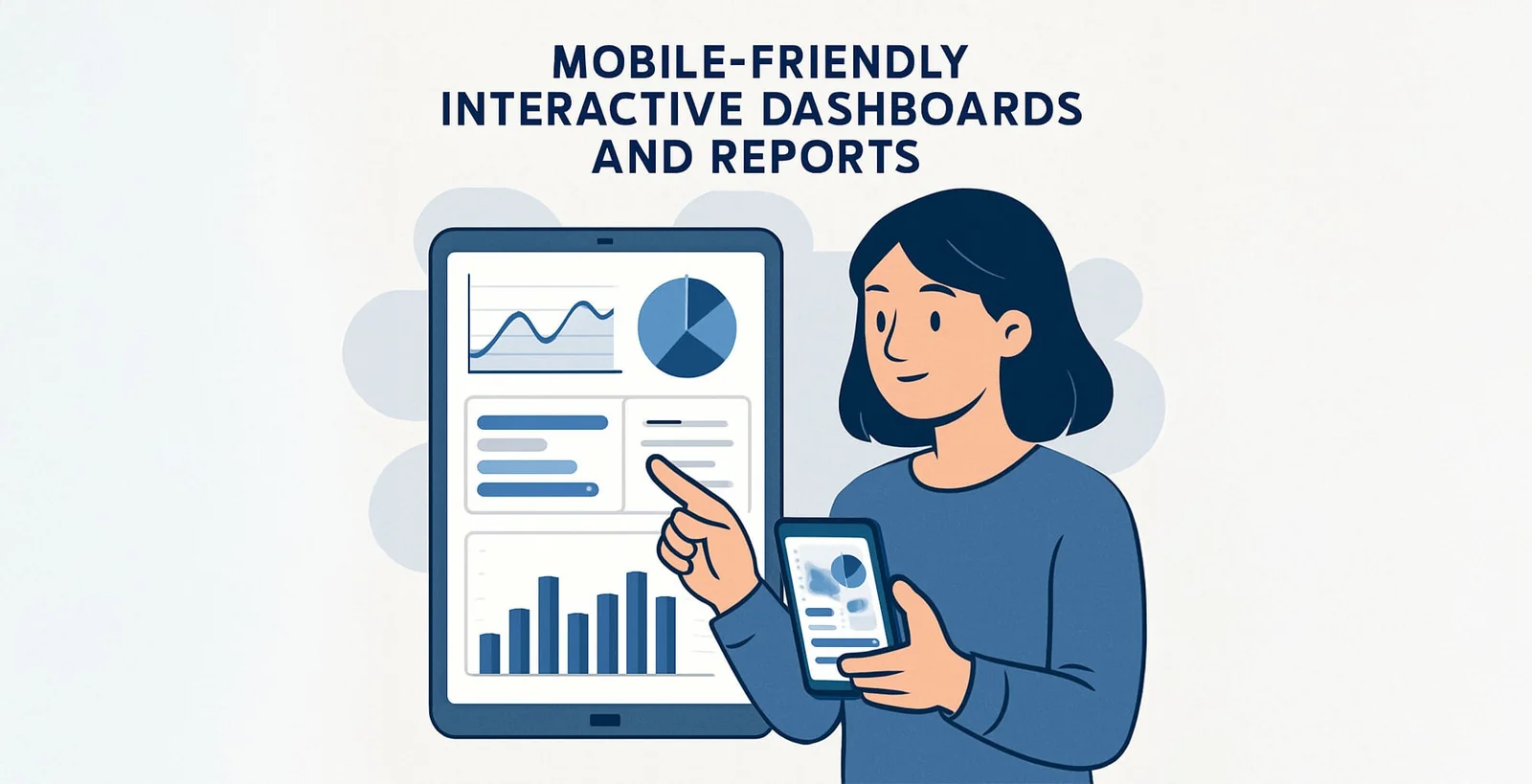
Decision-making no longer happens only in boardrooms.
Access Insights Anytime With Mobile BI Dashboards
Modern BI platforms offer fully responsive dashboards that work flawlessly on:
- Smartphones
- Tablets
- Laptops
Executives traveling between meetings can pull up real-time data in seconds.
Share Dashboards and Reports With Teams Instantly
Mobile-friendly dashboards help teams collaborate seamlessly.
You can:
- Send live dashboards
- Share filtered views
- Annotate metrics
- Review reports together in real time
Mobile BI fosters aligned, fast, and informed team discussions.
How to Build Interactive Dashboards and Reports Easily
The biggest shift?
You no longer need deep IT or analytics expertise to build high-quality dashboards.
Self-Service BI Lets Anyone Build Dashboards
With self-service tools, business teams can:
- Create visualizations
- Add filters
- Build KPIs
- Customize themes
- Upload datasets
All with drag-and-drop simplicity.
AI-Powered Dashboard Features Accelerate Insights
Modern platforms include:
- Automated pattern detection
- Smart alerts
- Predictive signals
- Natural language queries
AI highlights anomalies and trends you may miss manually.
Collaboration Features Help Distribute Knowledge
Interactive dashboards allow you to:
- Share with departments
- Restrict sensitive data
- Export visual summaries
- Tag teammates in insights
This ensures everyone stays aligned and informed.
Best Practices for Designing Interactive Dashboards and Reports
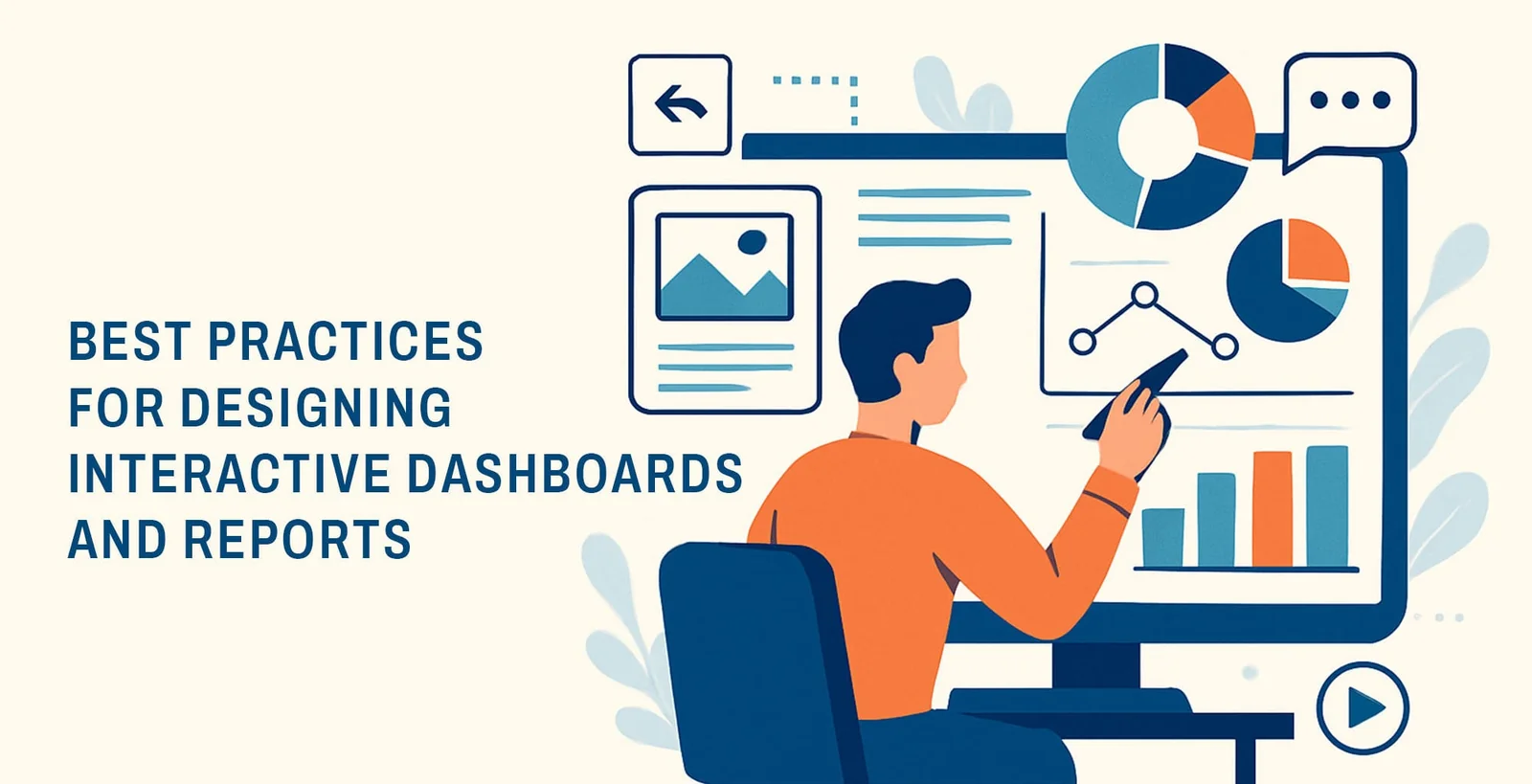
A dashboard isn’t just a collection of charts - it's a curated experience.
Follow these best practices to make your dashboards intuitive and impactful.
Use Audience-Specific KPIs in Your Dashboard Strategy
Different users require different insights.
Identify:
- Primary goals
- Essential metrics
- Time ranges
- User permissions
Avoid using vanity metrics or irrelevant KPIs.
Follow the “Less Is More” Principle
Clutter kills clarity.
Your dashboard should:
- Highlight priority metrics
- Limit visuals to essentials
- Guide users naturally
- Use clean layouts
White space is a design superpower.
Choose Visualizations That Match the Story You’re Telling
Examples:
- Trends → Line charts
- Comparisons → Bar charts
- Relationships → Scatter plots
- Density → Heatmaps
The right visual increases comprehension dramatically.
Ensure Data Accuracy and Real-Time Updates
Dashboards are only as useful as the data behind them.
Ensure:
- Updated ETL pipelines
- Clean datasets
- Reliable integrations
- Data validation rules
Trustworthy data builds trustworthy decisions.
ROI of Interactive Dashboards and Reports
Investing in interactive dashboards isn’t just about design - it’s about gaining measurable returns.
Faster Decision-Making Saves Operational Time
Real-time visibility eliminates:
- Manual reporting
- Spreadsheet chaos
- Email follow-ups
Teams make decisions instantly, not days later.
Reduced Reporting Costs
Companies save thousands yearly by:
- Automating KPI reports
- Eliminating manual data prep
- Consolidating software tools
Higher Productivity Across Departments
Everyone works faster when they have instant access to insights.
Finance → quicker close cycles
Sales → faster opportunity tracking
Operations → proactive issue detection
Better Strategic Planning
Leaders use dashboards to:
- Forecast revenue
- Model growth scenarios
- Identify weak performance areas
- Allocate resources effectively
Interactive dashboards directly impact profitability.
Final Thoughts
The future of business intelligence lies in interactive dashboards and reports - not static spreadsheets or outdated reporting cycles. These dashboards empower every person in your organization to explore data dynamically, uncover insights intuitively, and make decisions confidently.
When designed well, interactive dashboards become more than visual tools; they become engines that drive strategy, alignment, and ROI.
If you're ready to transform the way your team interacts with data, it’s the perfect time to build dashboards that are smart, customizable, responsive, and easy for everyone to use.
Ready to Build Interactive Dashboards That Drive Real ROI?
Leverage our data visualization and analytics expertise to create powerful, scalable, and user-friendly dashboards for your business.
👉 Book Your Free Dashboard Consultation
👉 Let’s help you turn data into decisions
FAQs
1. What makes interactive dashboards better than traditional reports?
They allow users to filter, drill down, and explore data freely, providing deeper insights than static dashboards.
2. Can non-technical users build their own interactive dashboards?
Yes. With self-service BI tools, anyone can build dashboards using drag-and-drop and AI features.
3. What industries benefit most from interactive dashboards and reports?
Retail, finance, manufacturing, logistics, healthcare, SaaS, and any business that relies on real-time insights.
4. How do interactive dashboards improve ROI?
They reduce manual reporting, improve decision-making speed, lower data errors, and increase productivity.
5. Are mobile-friendly dashboards important?
Absolutely. They enable decision-making on the go and improve collaboration across distributed teams.
Related reading
- Big Data Application Development: How to Build Scalable Data-Driven Apps
- Real-Time Product Analytics at Scale: How We Deliver Sub-Second Insights on Billions of Events
- The Future of Predictive Analytics in UAE: Trends, Challenges & Opportunities
Practical References for Accessible Dashboards
Use the Web Content Accessibility Guidelines 2.2 to check contrast, keyboard access and non-text alternatives. The UK Government Analysis Function also publishes official guidance for clear charts, while the D3 documentation explains implementation patterns for custom interactive visualisations.


Sanket Shah
CEO & Founder
I am Sanket Shah, founder and CEO of Deuex Solutions, where I focus on building scalable web mobile and data driven software products with a background in software development. I enjoy turning ideas into reliable digital solutions and working with teams to solve real world problems through technology.


