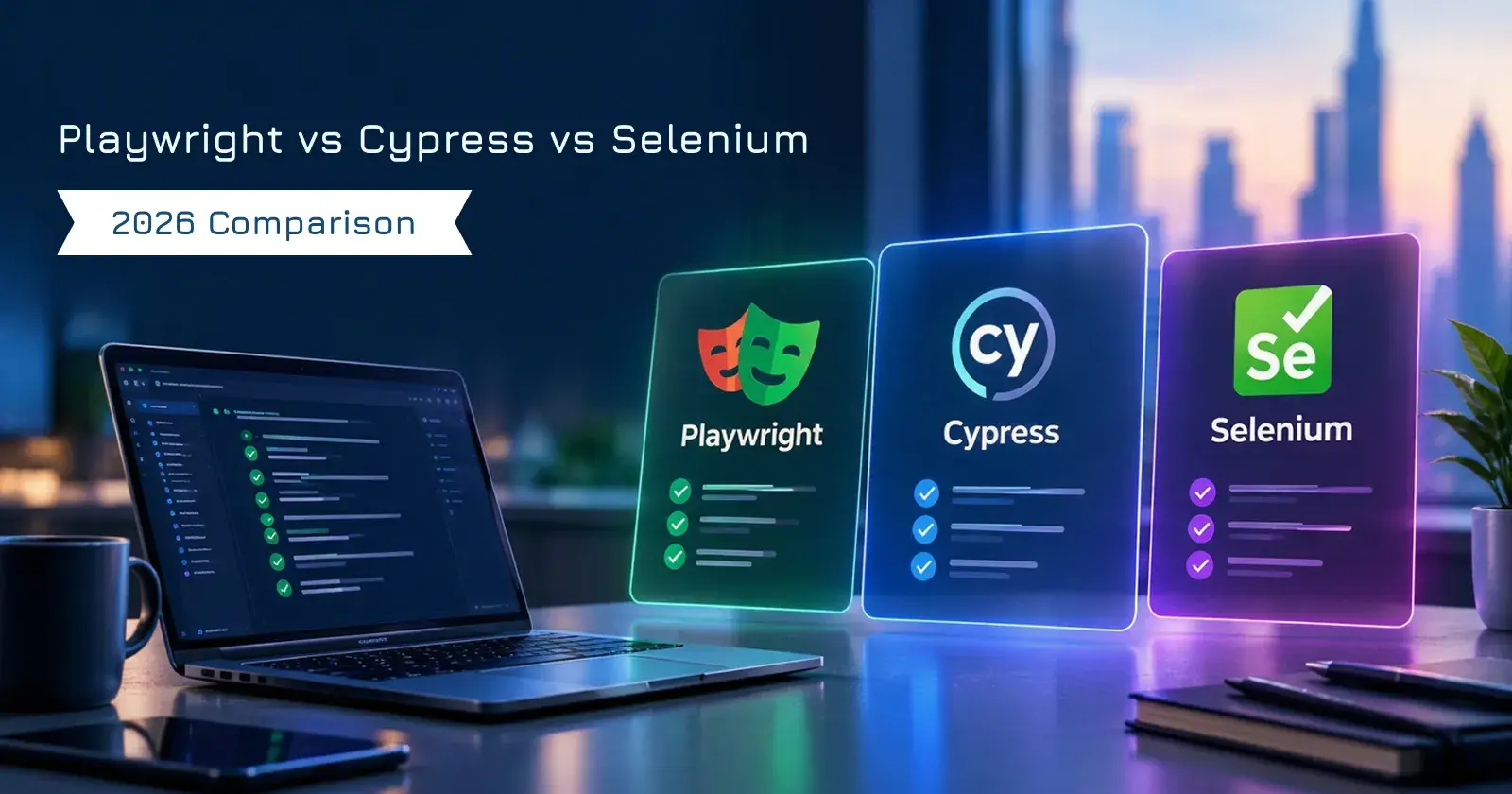
For most teams starting a new cross-browser end-to-end automation project in 2026, Playwright is a strong default because it supports Chromium, Firefox, and WebKit, provides automatic actionability checks, tracing, and built-in parallel workers. Cypress remains a strong fit for JavaScript and TypeScript teams that value interactive debugging and browser-based component testing, while Selenium remains highly relevant for established multi-language test suites, broad browser coverage, and distributed WebDriver infrastructure.
That is the short answer to Playwright vs Cypress vs Selenium.
The longer answer is more useful.
There is no framework that wins every project. The right choice depends on the browsers you must cover, the language your QA engineers already know, how the application behaves, how your CI pipeline is structured, and how much test code you already own.
Quick Summary: Key Takeaways
-
Playwright is a strong choice for new web end-to-end suites that need Chromium, Firefox, WebKit, multiple tabs, API testing, parallel workers, and detailed traces of failed runs.
-
Cypress is particularly attractive for JavaScript and TypeScript teams. It includes automatic retry behavior, an interactive Command Log with time-travel snapshots, first-party component testing, and cy.intercept() for network control.
-
Cypress currently supports Chrome-family browsers and Firefox, while WebKit support remains experimental.
-
Selenium supports all major browsers through WebDriver and has official bindings for Java, Python, JavaScript, C#, and Ruby. Selenium Grid is designed for parallel execution across machines and browser versions.
-
Selenium is still actively developed. Selenium 4.51 was released on October 9, 2026, and current development includes expanded WebDriver BiDi support.
-
Playwright and Cypress both include waiting behavior designed for asynchronous interfaces. Selenium supports implicit and explicit waits, but its own documentation identifies synchronization between test code and changing browser state as a common browser-automation challenge.
-
A 2025 empirical study by Michał Moń and Beata Pańczyk compared Playwright, Cypress, and Selenium using execution time, CPU usage, and memory usage. Their study concluded that Playwright showed higher effectiveness and flexibility in most of the scenarios they examined. That finding belongs to the study setup, not every possible application or CI environment.
-
Framework choice alone does not remove flaky tests. Research by Owain Parry, Gregory Kapfhammer, Michael Hilton, and Phil McMinn found that flakiness can cluster around shared causes such as intermittent networking and unstable external dependencies.
Businesses that need help planning, building, or repairing automated QA suites can explore our Software Testing as a Service offering.
The Test Failed at 4:52 PM
The following is a composite scenario, not a claim about a specific Deuex Solutions client. It combines common failure patterns documented in the sources discussed below.
The release was supposed to go out at five.
One browser test said no.
The checkout flow worked manually.
It passed on the developer's laptop.
It passed when the QA engineer reran it.
Then it failed in CI again.
Nobody had changed the checkout page.
The team already had 640 Selenium tests. A frontend developer had been experimenting with Cypress. Another engineer had built a small Playwright suite for a newer customer portal.
Now the meeting that was supposed to answer:
"Why is checkout failing?"
became something else.
"Should we still be using Selenium?"
A second question followed immediately.
"If not, Cypress or Playwright?"
Someone opened three browser tabs and searched for comparisons.
One article declared Selenium dead.
Another said Cypress was the easiest framework.
A third said Playwright had already won.
That did not help.
So the team stopped comparing logos.
They wrote down the actual requirements:
-
Chrome, Firefox, and Safari-related coverage
-
Several popup and multi-tab payment flows
-
Java backend, React frontend
-
About 640 existing Selenium tests
-
New projects written mainly in TypeScript
-
CI execution on several workers
-
API setup before UI scenarios
-
Engineers who regularly investigate failures after CI runs
-
A growing component library
Now the decision looked different.
There might not be one framework for everything.
That is the better way to approach this comparison.
Playwright vs Cypress vs Selenium: 2026 Comparison at a Glance
The table makes one thing clear.
These tools overlap.
They are not identical.
What Has Changed by 2026?

Old comparison articles can mislead teams because all three projects continue to change.
Selenium Is Not Standing Still
Selenium 4.51 was released on October 9, 2026 across JavaScript, Ruby, Python, .NET, Java, and Grid. Its current direction includes continued work around the W3C WebDriver BiDi protocol.
WebDriver BiDi creates bidirectional browser communication over WebSockets and exposes areas such as network activity, console logs, browser events, and scripts. Selenium describes it as the standards-based cross-browser successor to Chrome DevTools Protocol-dependent approaches.
So the old description of Selenium as nothing more than request-response WebDriver calls is increasingly incomplete.
Cypress Has Changed Its Browser Networking
Starting with Cypress 16, Chrome, Chromium, and Edge use native browser networking for intercepted test traffic. Cypress says this allows the application to use the same negotiated HTTP protocol that the browser would use outside the test, including HTTP/2 and HTTP/3 where supported. Firefox and WebKit still use Cypress's legacy network path.
WebKit is also available in Cypress in 2026, but its own documentation still labels that support experimental and lists known limitations.
Playwright Component Testing Has Matured
Playwright's earlier experimental React and Vue component-testing packages have been removed. Current Playwright Test documentation describes a framework-agnostic component-testing approach where teams own their development server and gallery page, while Playwright drives the rendered component using its normal test runner.
That matters if you remember Playwright component testing only from its earlier experimental phase.
The 2026 comparison needs the 2026 tools.
How Playwright Testing Handles Modern Web Applications
One of Playwright's defining features is its actionability model.
Before actions such as clicking, Playwright checks conditions such as whether the locator resolves appropriately and whether the element is visible, stable, able to receive events, and enabled. It waits for those conditions until the configured timeout is reached. Its assertions can retry as page state changes.
That removes many places where teams would otherwise write fixed delays.
It does not make bad tests impossible.
Shared test accounts can still collide.
A backend can still fail.
A payment sandbox can still be unavailable.
A selector can still target the wrong element.
Playwright's own parallel-testing guidance warns teams to isolate backend data and avoid state shared between concurrently running tests.
Browser Coverage
Playwright installs and controls Chromium, Firefox, and WebKit. It can also run branded Chrome and Microsoft Edge channels.
That WebKit option is useful when teams want coverage against the browser engine associated with Safari behavior, though an emulated or Playwright-provided WebKit environment should not be confused with testing every characteristic of Safari on Apple hardware.
Multiple Windows
A Playwright BrowserContext can contain multiple pages, with each page representing a tab or popup. Tests can listen for newly opened pages and interact with them independently.
This fits naturally with workflows such as:
-
Third-party authentication
-
Payment popups
-
Documents opening in another tab
-
Admin and user sessions in parallel
API Testing
Playwright includes APIRequestContext, which can issue HTTP requests directly. The official documentation describes using it to test server APIs, prepare backend state before browser tests, and validate server state after UI actions.
That can simplify a suite where UI tests frequently need preconditions.
Instead of creating a customer through twelve browser steps before every test, the suite may create the customer through an API and use the browser only for the behavior under examination.
Debugging
Playwright Trace Viewer records a timeline that can include actions, screenshots, DOM snapshots, source code, console output, network requests, errors, and attachments. Playwright specifically positions traces as useful when diagnosing tests that fail in CI.
That last part matters.
A test that fails only at 2:14 a.m. on a remote CI worker is much harder to debug than one failing on a laptop.
Where Cypress Testing Still Makes a Lot of Sense
Cypress takes a different route.
Its tests are written in JavaScript or TypeScript and use a command queue rather than ordinary JavaScript promises. Cypress queries and assertions have retry behavior designed around changing browser state.
This can feel natural for frontend-heavy teams already working primarily in JavaScript.
Its Local Debugging Experience Is a Major Strength
Cypress Open Mode runs tests interactively.
Its Command Log lists the commands executed during a test, and hovering over commands can restore snapshots of the application at that point in execution. Console information is available alongside that flow.
That gives developers a very visual way to understand:
What did the application look like when this assertion happened?
For teams where frontend developers routinely write or repair tests during feature development, this workflow can be very useful.
Component Testing Is a Core Part of Cypress
Cypress Component Testing mounts an individual component in a real browser. Teams can interact with the component, inspect it with browser developer tools, and use the same Cypress testing concepts used elsewhere in the suite.
If your testing strategy places substantial weight on React, Vue, or other frontend component behavior, that deserves a place in the framework decision.
Network Stubbing Is Direct
cy.intercept() can watch requests, return fixed responses, modify outgoing requests, modify real responses, simulate network errors, or delay responses.
Cypress 16 also changed how this works under Chrome-family browsers by moving intercepted traffic onto the browser's native network path.
Where Cypress Needs More Thought
Cypress runs in one browser tab by design. Current Cypress guidance recommends testing the intended behavior without opening another tab where possible, or using its Puppeteer plugin if direct control of a second tab is necessary.
Its WebKit support is still experimental.
Those constraints may be irrelevant for one product and decisive for another.
A dashboard used entirely in Chrome may not care.
A SaaS product with popup authentication and meaningful Safari traffic might.
Why Selenium Testing Still Belongs in the Conversation
Selenium is the oldest of these three options, but age alone is not a reason to replace a working test suite.
WebDriver remains a cross-browser standard interface, and Selenium supports the major browsers through browser-specific WebDriver support.
Its current official bindings cover Java, Python, JavaScript, C#, and Ruby. Selenium's ecosystem also contains community bindings and a wide range of surrounding frameworks.
That matters in companies where the QA team already works in Java or C# and shares libraries, tooling, and engineering conventions with the rest of the organization.
Selenium Gives Teams Language Choice
Selenium itself does not prescribe a single test runner.
Its documentation lists combinations including:
-
JUnit and TestNG for Java
-
pytest and unittest for Python
-
NUnit and MSTest for .NET
-
RSpec and Minitest for Ruby
-
Jest and Mocha for JavaScript
-
Kotest and JUnit for Kotlin
That flexibility is attractive in large engineering organizations.
It also means more decisions sit with the team.
Selenium Grid Still Solves a Real Problem
Selenium Grid sends WebDriver commands to remote browser instances and is designed to support parallel execution across machines, different browser versions, and multiple operating environments.
For an organization that already has thousands of Selenium tests and a functioning Grid or cloud browser provider, replacing everything simply because another framework has newer ergonomics may create more work than value.
Selenium Waiting Requires Deliberate Design
Selenium's documentation calls browser synchronization one of the most common browser-automation challenges.
It provides implicit waits and explicit waits, with explicit waits polling until a defined browser condition is satisfied. Selenium also warns against mixing implicit and explicit waits because the resulting timeout behavior can become difficult to predict.
This is an important difference from Playwright and Cypress.
They provide more waiting behavior as part of their normal interaction model.
Selenium gives the test author more responsibility for synchronization.
Playwright vs Cypress vs Selenium for Flaky Tests
No framework can promise a flake-free test suite.
That point deserves more attention than benchmark rankings.
That last column is where many automation programs struggle.
A framework cannot stop two tests from modifying the same customer record if the test design allows it.
It cannot make a staging payment provider reliable.
It cannot repair bad test data.
It cannot make an asynchronous backend finish on a predictable schedule.
What Does Research Say About Flaky Tests?

Owain Parry, Gregory M. Kapfhammer, Michael Hilton, and Phil McMinn studied 10,000 test-suite runs covering 24 Java projects and 810 flaky tests.
They found that 75% of the flaky tests in their dataset belonged to clusters of failures, with intermittent networking issues and unstable external dependencies emerging as major shared causes during their analysis.
That finding changes the way I would look at a flaky automation suite.
If twenty tests suddenly become unreliable, do not immediately rewrite twenty selectors.
First ask:
-
Are they calling the same external service?
-
Are they sharing an account?
-
Do they depend on the same database seed?
-
Did the environment become slower?
-
Is a common API unstable?
-
Did test ordering change?
Sometimes the test framework is the issue.
Sometimes it is merely the messenger.
Which Framework Is Fastest?
This is the question everyone asks.
It is also easy to answer badly.
A benchmark reflects its application, browser, machine, suite structure, level of parallelism, network behavior, test data, and configuration.
So I would not publish a universal claim that Framework A is always X percent faster than Framework B.
There is research worth looking at.
Michał Moń and Beata Pańczyk published an empirical comparison in 2025 covering Playwright, Cypress, and Selenium. Their evaluation executed test scenarios and measured average test execution time, processor usage, and memory usage. They concluded that Playwright demonstrated higher effectiveness and flexibility in most of the cases they examined.
Useful evidence.
Not a universal law.
Your 1,500-test banking suite running across a Selenium Grid is not the same system as a research test application.
The practical performance question is:
How quickly can our own representative regression pack run under realistic CI conditions?
Run that experiment before migrating thousands of tests.
How Parallel Testing Differs
Playwright
Playwright Test uses multiple worker processes and runs test files in parallel by default. It can also run tests within files in parallel and shard suites across separate machines.
Cypress
Cypress Cloud can distribute recorded spec files across multiple CI machines. Its documented parallelization strategy is file-based.
Selenium
Selenium Grid routes WebDriver sessions to remote machines and was created to support parallel execution, multiple browser versions, and cross-platform testing.
None of those approaches guarantees a fast suite if tests depend on shared data.
Parallelism exposes architecture problems very quickly.
That is often useful.
Which Has the Best Debugging Experience?
This one depends on where the failure happens.
During Local Development
Cypress Open Mode is compelling because developers can watch the test execute, inspect its Command Log, and move through recorded command snapshots.
After a CI Failure
Playwright Trace Viewer is particularly useful because recorded traces can expose actions, before-and-after DOM state, screenshots, network activity, console messages, errors, and source information from a remote run.
In Selenium
Debugging usually comes from the test runner, language debugger, logs, screenshots, browser tooling, Grid information, and any reporting tools added by the team. Selenium deliberately sits inside a wider testing ecosystem rather than acting as a complete test-runner experience itself.
That difference matters over the lifetime of a suite.
Writing a test once is cheap.
Understanding why it failed for the 47th time is where maintenance hours accumulate.
Which Framework Is Best for Component Testing?
In 2026, this comparison is closer than it used to be.
Cypress provides dedicated Component Testing where components mount directly in a browser and use Cypress's normal inspection and debugging workflow.
Playwright now documents stable, framework-agnostic component testing through a developer-owned component gallery and its built-in mount() fixture. Its previous experimental framework-specific component packages have been retired.
Selenium does not position itself as a dedicated component-testing framework. It provides browser automation and relies on external test runners and the wider language ecosystem.
If component tests are a major part of your QA approach, prototype both Cypress and Playwright with your actual frontend build setup before deciding.
Which Is Better for API Plus UI Testing?
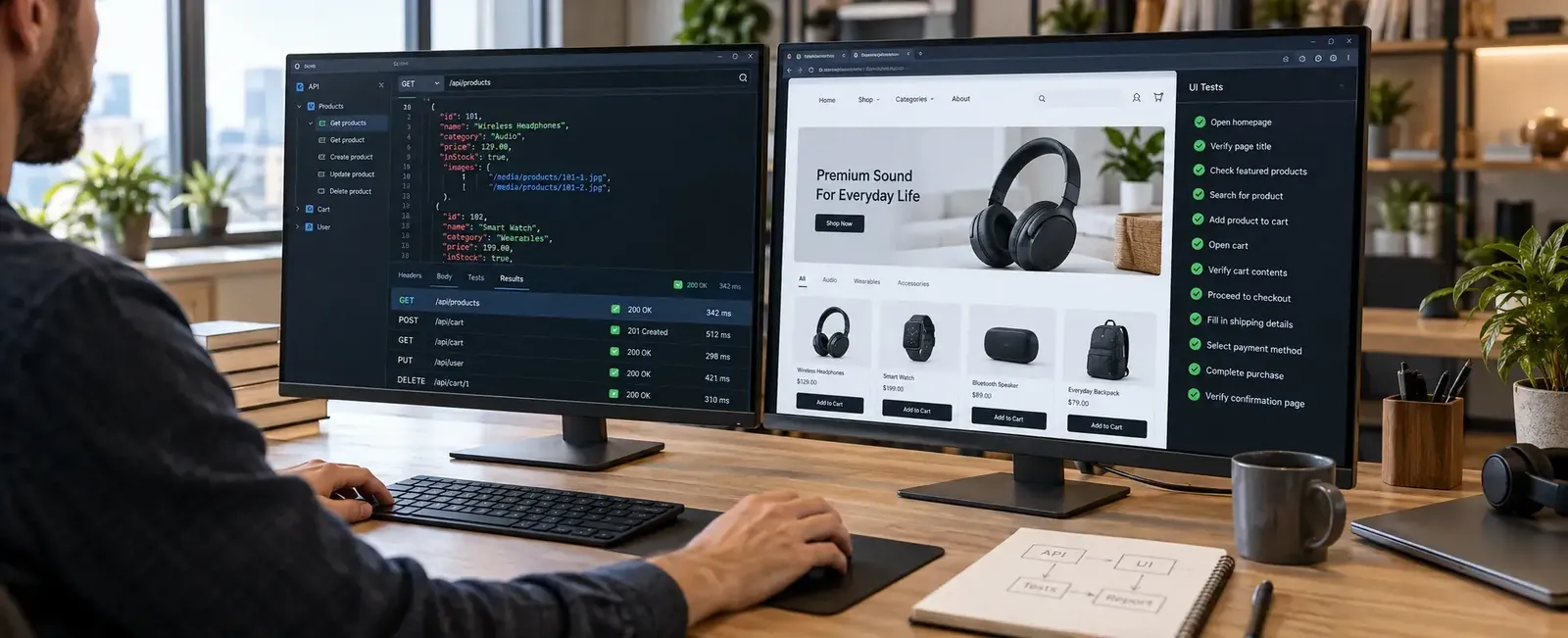
Playwright has a built-in APIRequestContext specifically documented for server API testing, test setup, and validation around browser flows.
Cypress provides cy.request() for HTTP requests and cy.intercept() for observing or controlling browser network calls. Its network interception can stub responses, alter requests, simulate errors, and introduce delays.
Selenium's primary role remains browser automation. WebDriver BiDi is expanding browser-event and network capabilities, while standalone API tests are typically handled through the surrounding language and test ecosystem.
For teams deliberately combining API setup with browser assertions inside one TypeScript suite, Playwright has a particularly direct model.
When Should You Choose Playwright?
I would put Playwright at the top of the shortlist when:
-
You are starting a new browser automation suite.
-
Chromium, Firefox, and WebKit coverage matter.
-
The application opens several tabs or popups.
-
API setup and UI testing need to live together.
-
CI parallelism is important.
-
Post-failure traces would help the QA team.
-
Your engineers use TypeScript, Python, Java, or .NET.
That does not mean every Selenium or Cypress project should migrate.
It means Playwright deserves a serious prototype when the suite is new.
When Should You Choose Cypress?
Cypress deserves serious consideration when:
-
The testing team works primarily in JavaScript or TypeScript.
-
Frontend developers will write a significant portion of the tests.
-
Component testing is a major requirement.
-
Interactive local debugging matters heavily.
-
Chrome-family and Firefox coverage match the browser matrix.
-
Network stubbing is common in frontend tests.
Check the application's tab, window, and WebKit requirements carefully because Cypress currently handles those areas differently from Playwright and Selenium.
When Should You Choose Selenium?
Selenium remains a sensible choice when:
-
A large, maintainable Selenium suite already exists.
-
The team works in Java, Python, C#, Ruby, or JavaScript.
-
The company already operates Selenium Grid or a compatible browser cloud.
-
Real Safari through WebDriver is part of the browser matrix.
-
Existing test libraries, page objects, utilities, and reporting are deeply tied to Selenium.
-
WebDriver standardization matters to the engineering organization.
Migrating a healthy test estate merely to use a newer framework can turn a QA project into a rewrite project.
The value needs to justify that work.
The Framework Decision Matrix
Should You Migrate From Selenium to Playwright?
Not because a blog says Playwright is newer.
Migrate when you can point to a measurable problem.
Examples:
-
Too much engineering time is spent repairing timing-related tests.
-
CI diagnosis takes too long.
-
Popup or modern browser workflows are awkward in the current suite.
-
The existing test architecture prevents meaningful parallel execution.
-
New teams prefer a different language or test runner.
-
The Selenium suite contains enough debt that rewriting a selected area is cheaper than continuing to repair it.
Start with one representative workflow.
Maybe checkout.
Maybe authentication.
Maybe account administration.
Build the same set of scenarios in the proposed framework.
Then compare:
-
Test-writing time
-
CI runtime
-
Failure diagnosis
-
Retry behavior
-
Browser coverage
-
Code readability
-
Test-data setup
-
Maintenance after UI changes
That experiment tells you far more than GitHub stars.
Should You Migrate From Cypress to Playwright?
The same rule applies.
Do not rewrite a productive Cypress suite simply because Playwright appears in more greenfield architecture discussions.
A migration becomes easier to justify when the product increasingly depends on:
-
Multiple tabs
-
Popup-heavy flows
-
WebKit coverage beyond Cypress's experimental support
-
Several test languages
-
A testing style that mixes browser and API operations heavily
If none of those constraints hurts the team, migration may solve a problem you do not have.
What Is the Best Test Automation Framework in 2026?

There is no single best test automation framework without a project context.
If I had to choose starting points:
For a new modern end-to-end web suite: start by evaluating Playwright.
Its browser coverage, waiting behavior, tracing, API client, multiple-page model, and built-in parallel runner make it a strong baseline for a new project.
For a JavaScript or TypeScript frontend team where component testing and an interactive local workflow are central: evaluate Cypress alongside Playwright.
For a mature enterprise automation estate using Java, Python, C#, Ruby, established WebDriver patterns, or Selenium Grid: do not dismiss Selenium. Its language bindings, major-browser support, Grid, and ongoing WebDriver BiDi work remain relevant in 2026.
The best framework is the one your team can keep trustworthy after test number 1,000.
Back to the 4:52 PM Failure
The fictional team did not delete 640 Selenium tests.
They fixed the checkout failure first.
The root cause was a timing assumption around a payment response.
Then they tried something more interesting.
The team kept its stable Selenium regression pack.
New customer-portal tests went into Playwright because the portal used popups, several browser contexts, and API-based test-data setup.
The React component library continued being evaluated separately because its testing requirements were different.
Three months later, they had two automation frameworks.
Nobody loved that line on the architecture diagram.
Yet the releases became easier to understand.
That mattered more.
The mistake would have been forcing every old and new test into one framework simply because procurement, engineering, or a comparison blog wanted one winner.
Testing tools are means.
Release confidence is the goal.
Choose the Test Strategy Before the Test Tool
A test framework cannot decide which scenarios deserve automation.
It cannot decide whether a checkout flow belongs in an end-to-end test or whether part of it should be covered closer to the API.
It cannot decide which browsers matter to your customers.
And it cannot repair a suite built around shared accounts, unstable test data, and fixed sleeps.
Those are testing-strategy decisions.
At Deuex Solutions, our Software Testing as a Service work covers manual and automated testing, test-suite planning, browser automation, API testing, regression testing, CI testing, and maintenance of existing QA systems.
If your team is deciding between Playwright vs Cypress vs Selenium, start with the browser matrix, team language, current suite, CI constraints, component-testing requirements, debugging pain, and the workflows that actually block releases.
Do not choose the framework with the strongest fan base. Choose the one that makes your own release risks easier to test and easier to diagnose.


Sanket Shah
CEO & Founder
I am Sanket Shah, founder and CEO of Deuex Solutions, where I focus on building scalable web mobile and data driven software products with a background in software development. I enjoy turning ideas into reliable digital solutions and working with teams to solve real world problems through technology.