

Quick Summary / Key Takeaways
For a tool-level comparison, read our Playwright vs Cypress vs Selenium comparison.
-
qa as a service gives businesses flexible access to testing experts without building a full in-house QA team from scratch.
-
It helps catch bugs earlier, reduce release risk, improve product quality, and support faster development cycles.
-
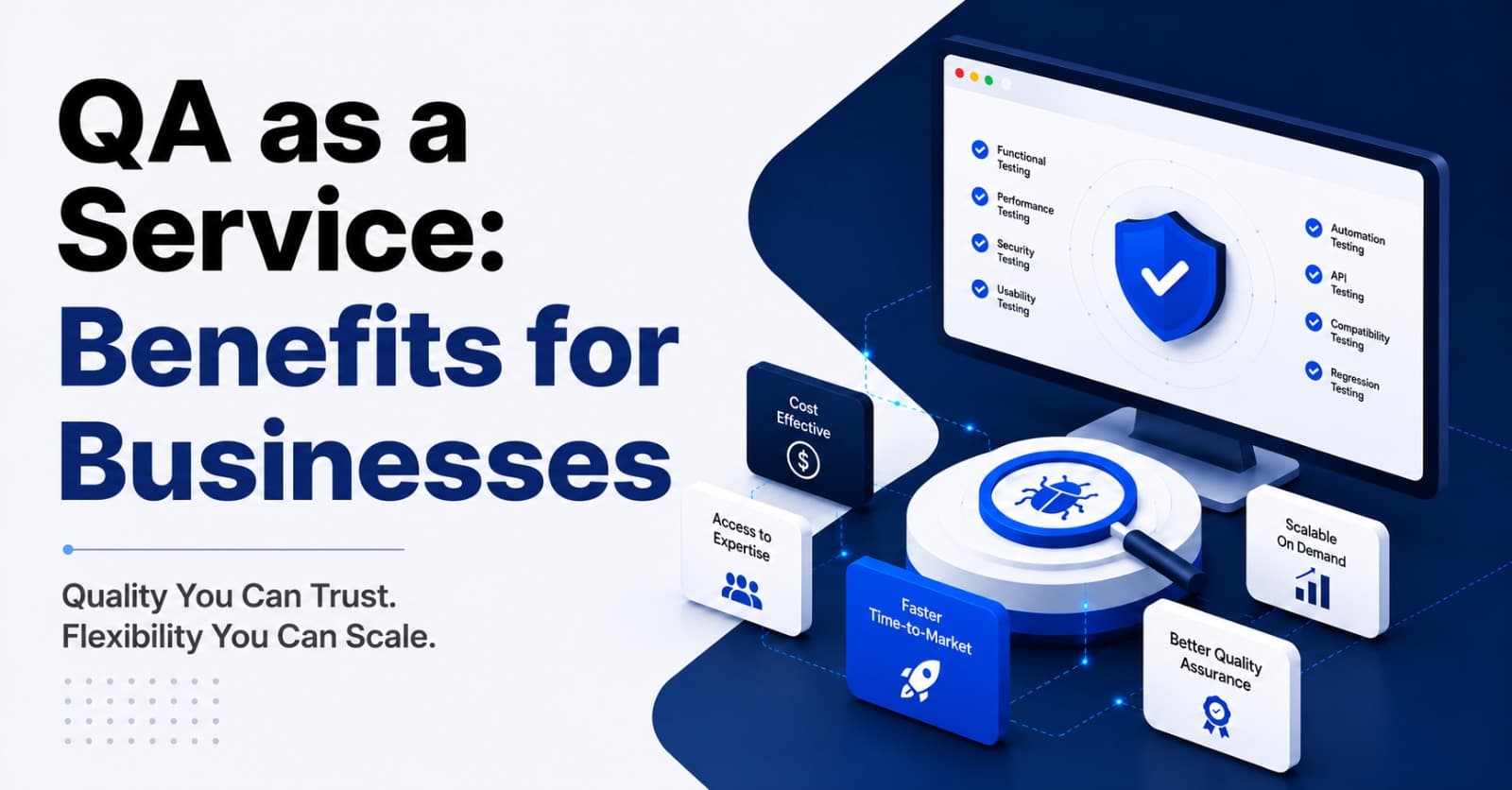
Businesses can use QA as a Service for manual testing, automation testing, regression testing, performance testing, mobile testing, API testing, and release support.
-
It works well for startups, SaaS companies, ecommerce brands, healthcare products, fintech platforms, and enterprises with frequent releases.
-
NIST research estimated that inadequate software testing infrastructure cost the U.S. economy $59.5 billion annually, with feasible improvements offering a potential cost reduction of $22.2 billion.
-
Google Research’s work on continuous testing at scale shows that even with major testing resources, teams cannot test every code change individually, which makes smart test selection and feedback speed very important.
QA as a Service is not just outsourced testing. It is a smarter way to bring structured quality checks into your product cycle without slowing your team down.
If your developers are shipping fast but bugs keep reaching users, QA as a Service may be the missing layer between “it works on my machine” and “customers can trust this release.”
You can explore Deuex Solutions’ software testing as a service to see how a flexible QA model can support your product quality without forcing you into a heavy internal setup.
What Is QA as a Service?
QA as a Service is a flexible software testing model where businesses hire an external QA team to test their apps, websites, platforms, or digital products on demand or through an ongoing plan.
Instead of recruiting, training, and managing a full QA department, you get access to testers, tools, test planning, automation support, and quality reporting when you need it.
That may sound simple. The real value is deeper.
A good QA partner does not just “find bugs.” They help you understand where your product is weak, which flows carry the most risk, and what should be tested before every release.
In our experience, this is where many businesses breathe a little easier. The development team keeps moving, but releases no longer feel like a gamble.
Why Are Businesses Choosing QA as a Service?

Businesses choose QA as a Service because it gives them skilled testing support without the cost and delay of building a full internal QA team.
Hiring QA talent takes time. Building test processes takes more time. Creating automation, setting up regression coverage, managing test cases, and reporting clearly takes even more.
Most growing teams do not have that time.
They are trying to ship features, fix bugs, support users, and keep stakeholders happy. QA often gets pushed to the end. Then the end gets messy.
QA as a Service helps with:
-
Faster testing setup
-
Better release checks
-
Access to manual and automation testers
-
Flexible team size
-
Lower hiring burden
-
Clear bug reporting
-
Better regression coverage
-
Product quality without long-term hiring pressure
When we worked with a SaaS client, their developers were testing their own work before release. That worked for a while. Then the product grew. Bugs started slipping through, especially around permissions and billing flows. Once an independent QA layer was added, the team started catching issues before customers did.
That changed the mood of release day.
What Problems Does QA as a Service Solve?
QA as a Service solves the problems that appear when software teams move faster than their testing process.
The signs are usually easy to spot:
-
Bugs keep coming back
-
Developers spend too much time testing
-
Regression testing takes too long
-
No one knows what was tested
-
Releases get delayed at the last minute
-
Customers report basic issues
-
Test cases live in scattered files
-
Automation exists but no one trusts it
-
Product managers feel nervous before every launch
Sound familiar?
You are not alone.
Many teams do have testing. They just do not have a proper QA system. There is a difference.
Testing checks the product. QA improves the way quality is built into the product cycle.
That is why QA as a Service can be useful even for teams that already do some internal testing.
QA as a Service vs In-House QA Team
An in-house QA team can be a good choice for mature products with steady testing needs. QA as a Service works better when you need flexibility, speed, or specialized support without hiring delays.
Here is a simple comparison:
This does not mean one model is always better.
Some companies use both. Internal QA handles product knowledge. External QA supports automation, regression, performance testing, mobile testing, or release overflow.
In our experience, the hybrid model often works well for growing products. You keep product ownership inside the company and bring outside testing strength where the team needs help.
What Services Are Usually Included in QA as a Service?
QA as a Service can include different types of testing depending on your product, users, and release cycle.
A small business may need manual testing and regression checks. A SaaS company may need automation and API testing. A fintech or healthcare product may need security-focused test planning, role testing, and compliance-aware QA.
The point is not to buy every testing type at once.
The right plan depends on risk.
If your product handles payments, checkout needs deeper testing. If it handles patient data, role access and privacy flows matter. If users depend on reports, data accuracy matters. If the product is a SaaS platform, permissions and subscriptions deserve serious attention.
A good QA partner helps you sort that out.
How Does QA as a Service Work?
QA as a Service usually starts with product review, test planning, test execution, bug reporting, retesting, and release support.
A practical process looks like this:
-
**Product understanding
**The QA team studies your product, users, workflows, and release goals. -
**Test planning
**The team defines what needs to be tested, which risks matter most, and what tools will be used. -
**Test case creation
**Test scenarios are documented so testing becomes repeatable. -
**Manual or automated testing
**Testers check the product based on agreed scope. -
**Bug reporting
**Issues are logged with steps, screenshots, videos, severity, and expected behavior. -
**Retesting
**Once developers fix issues, QA verifies the fixes. -
**Regression testing
**Connected areas are checked to make sure new changes did not break older features. -
**Release signoff support
**QA shares test status, open risks, and release readiness notes.
This rhythm matters.
Without it, testing becomes random. Random testing may catch some bugs, but it does not build confidence.
Why Is QA as a Service Useful for Startups?

Startups benefit from QA as a Service because they need quality without slowing down early product growth.
Early teams usually have limited budgets. They also change features often. Hiring a full QA team too soon may not make sense.
Still, skipping QA can be painful.
A startup may lose early users because of broken onboarding, failed payments, confusing flows, or bugs that make the product feel unfinished. The market may forgive a small feature gap. It rarely forgives a product that feels unreliable.
QA as a Service helps startups:
-
Test MVPs before launch
-
Find usability issues early
-
Reduce founder-led testing
-
Protect core flows
-
Prepare for investor demos
-
Improve first user experience
-
Build QA habits before the product grows
When we worked with an early-stage product team, they assumed they needed automation right away. After reviewing the product, we suggested starting with structured manual testing first. The flows were changing weekly. Automation would have broken constantly.
Three months later, once the core flows stabilized, automation made sense.
That timing saved money.
Why Is QA as a Service Useful for Growing Businesses?
Growing businesses benefit because bugs become more expensive as user volume rises.
A bug in a small private beta is annoying. The same bug in a product with thousands of active users becomes a support problem, a trust problem, and sometimes a revenue problem.
Growing teams often face:
-
More releases
-
More user roles
-
More integrations
-
More devices
-
More regression risk
-
More customer expectations
-
More pressure from leadership
QA as a Service gives these teams a way to strengthen testing without stopping development.
This is especially useful when the product has reached the point where “quick checks” are no longer enough.
We noticed this with a client whose app had grown from one user type to four. Customers, admins, managers, and support users all had different permissions. Bugs started appearing in places no one thought to test. A role-based QA plan fixed that blind spot.
The product did not need more panic. It needed better coverage.
What Are the Main Benefits of QA as a Service?
QA as a Service gives businesses better product quality, faster release support, lower hiring pressure, and access to testing skills that may be hard to build internally.
Here are the biggest benefits.
1. You Find Bugs Earlier
Early bugs are usually cheaper and easier to fix.
NIST’s study estimated the national annual cost of inadequate software testing infrastructure at $59.5 billion, with possible savings of $22.2 billion from feasible improvements.
That research is older, but the lesson still feels current: late defects hurt.
A QA as a Service model helps move testing earlier in the cycle.
2. You Reduce Release Risk
Releases should not feel like a coin toss.
QA gives your team a clearer view of what works, what was tested, and what still carries risk.
3. You Save Hiring Time
Recruiting skilled QA engineers, automation testers, and test leads can take months.
QA as a Service gives you access faster.
4. You Get Specialized Testing Skills
Not every QA person does everything.
Automation testing, API testing, mobile testing, performance testing, and security-aware testing need different skills. A service model can bring those skills when needed.
5. You Improve Developer Focus
Developers should still write unit tests and care about quality. But they should not be the only line of defense.
Independent QA gives developers feedback without making them carry every testing task.
6. You Build Better Test Documentation
Good QA creates test cases, checklists, defect reports, release notes, and regression suites.
That documentation becomes an asset.
7. You Support Faster Releases Over Time
Poor testing slows teams down. Better testing helps releases move with less rework.
Google Research’s continuous testing work shows why testing feedback needs to be managed carefully at scale. Even Google could not regression test every code change individually, so the research focused on controlling test workload and giving developers better feedback.
The message is clear. Smart testing beats noisy testing.
QA as a Service Benefits by Business Type
Different businesses gain value in different ways.
This is why QA should not be treated as one generic service.
A checkout flow, patient portal, trading dashboard, and HR platform all carry different risks. The test plan should reflect that.
When Should You Use QA as a Service?

You should consider QA as a Service when your product is growing, release cycles are getting tighter, or your team is spending too much time fixing avoidable bugs.
Good timing signals include:
-
You are preparing for a product launch
-
You release weekly or biweekly
-
Your developers are doing all QA work
-
You have no formal regression testing
-
Customers keep reporting bugs
-
You need automation but lack the team
-
You are expanding to mobile or new browsers
-
You are adding payments, roles, or integrations
-
You need a QA process before scaling
A small warning: do not wait until your product is already hurting users.
QA works best before the damage becomes visible.
How Much Does QA as a Service Cost?
QA as a Service cost depends on the testing scope, product complexity, number of platforms, team size, automation needs, and release frequency.
Here is a practical cost view:
The cheapest option is not always the best.
The smarter question is: what does one bad release cost your business?
Lost orders. Support tickets. Refunds. Reputation damage. Developer rework. Team stress. These costs are often hidden, but they are very real.
A good QA plan reduces those leaks.
What Should Be Tested First?
Start with the flows that matter most to the business.
Do not try to test everything with the same depth on day one.
Begin with:
-
Login and signup
-
Core user actions
-
Payment or checkout
-
User roles and permissions
-
Dashboard behavior
-
Search and filters
-
Forms and submissions
-
API responses
-
Notifications
-
Reports and data accuracy
-
Mobile behavior
-
Critical third-party connections
For one ecommerce client, we started with checkout, cart updates, coupon logic, and payment confirmation. Those flows touched revenue directly. Once those became stable, the QA plan expanded into product filters, account features, and order history.
That order mattered.
Testing should follow business risk, not just screen count.
Manual QA vs Automation in QA as a Service
QA as a Service can include both manual and automation testing. The right mix depends on product maturity.
Manual testing is best when:
-
Features are new
-
Requirements change often
-
User experience needs review
-
Visual details matter
-
Exploratory testing is needed
-
Edge cases are not fully known
Automation testing is best when:
-
Tests repeat often
-
Features are stable
-
Regression testing takes too long
-
Releases are frequent
-
API checks need speed
-
CI/CD support is needed
In our experience, teams often want automation too early.
Automation is valuable, but only when the product is stable enough. Otherwise, test scripts break every sprint and become another thing to maintain.
Start manual where the product is still changing. Automate where the product is stable and repeated.
That is usually the smarter path.
What Does a Good QA Report Look Like?
A good QA report should be clear enough for developers, product managers, and business owners to understand.
It should include:
-
Test scope
-
Test environment
-
Devices and browsers tested
-
Passed and failed test cases
-
Bug list with severity
-
Screenshots or videos
-
Steps to reproduce
-
Retest status
-
Open risks
-
Release recommendation
Bad bug report:
“The checkout is broken.”
Good bug report:
“Checkout fails when a user applies coupon code SAVE20 and pays through card on Chrome mobile. Expected result: order confirmation page. Actual result: spinner continues for more than 30 seconds and payment status remains pending.”
That level of detail saves time.
Clear reporting is one of the underrated benefits of QA as a Service.
Real Example: How QA as a Service Helps Before Launch
Imagine a company preparing to launch a customer portal.
The development team has built:
-
User login
-
Account dashboard
-
Document upload
-
Payment history
-
Support ticket form
-
Admin panel
The internal team tests the happy path. Everything looks fine.
Then QA starts.
The testers find:
-
Password reset email goes to spam
-
Uploaded files fail on Safari
-
Admin can view records outside assigned region
-
Support form allows empty messages
-
Payment history shows wrong date format
-
Mobile dashboard cards overlap
-
Session does not expire after inactivity
None of these bugs looked huge alone. Together, they would have made the launch feel careless.
That is the point.
QA as a Service catches the “small” issues before customers collect them into one big opinion.
How to Choose the Right QA as a Service Partner
Choosing a QA partner is not just about price.
You are trusting them with your product quality, release confidence, and sometimes your customer experience.
Ask these questions:
-
Do they understand your industry?
-
Can they explain their test strategy clearly?
-
Do they offer both manual and automation testing?
-
How do they report bugs?
-
Can they work with your tools?
-
Do they test across devices and browsers?
-
How do they handle regression testing?
-
Can they support your release schedule?
-
Do they help improve the QA process over time?
A strong QA partner asks questions before quoting.
They want to understand the product, users, risks, and release cycle. They do not just ask how many screens need testing.
At Deuex Solutions, we look at QA as part of the product journey, not a last-minute checkpoint. That means we focus on testing what matters most to your users and your business.
Common Mistakes Businesses Make With QA
Mistake 1: Testing Only at the End
Late testing creates pressure. Bugs found late are harder to fix and often delay releases.
Mistake 2: No Regression Plan
Teams test the new feature and forget older flows. Then something old breaks.
Mistake 3: Treating QA as Bug Hunting Only
QA should also improve process, documentation, coverage, and release confidence.
Mistake 4: Automating Everything Too Soon
Automation works best for stable and repeated tests. If flows change every week, start with manual QA.
Mistake 5: Ignoring Test Data
Bad test data can create false confidence. Realistic scenarios matter.
Mistake 6: Not Retesting Fixes
A bug marked “fixed” is not finished until QA verifies it.
We noticed that many teams do not have a quality problem because people do not care. They have a quality problem because no one owns the system.
QA as a Service gives that ownership structure.
How QA as a Service Improves Customer Experience

Customers do not care how complicated your backend is.
They care whether the app works.
They care if:
-
Login is easy
-
Pages load properly
-
Forms submit
-
Payments go through
-
Data looks correct
-
Notifications arrive
-
Mobile screens behave well
-
Errors make sense
-
The product feels trustworthy
A single bug may be forgiven. A pattern of bugs tells users the product is not reliable.
That is why QA affects customer experience.
It protects trust in small moments.
Is QA as a Service Right for Every Business?
QA as a Service is useful for many businesses, but the setup should match the product.
It is a strong fit when:
-
You do not have a QA team
-
Your QA team is overloaded
-
You need automation expertise
-
You have frequent releases
-
You are launching a product
-
You need outside review
-
You want better regression coverage
-
You need flexible QA capacity
It may not be the best fit if your product is extremely small, rarely changes, and has very low risk. Even then, a one-time QA audit before launch can still be helpful.
The goal is not to make QA heavy.
The goal is to make quality visible.
Ready to Make Your Releases Less Risky?
Software quality is not only about finding bugs. It is about protecting users, developers, revenue, and trust.
If your team is moving fast but releases feel uncertain, QA as a Service can give you the structure you need without forcing you to hire a full team right away.
At Deuex Solutions, we help businesses test smarter through manual QA, automation testing, regression planning, API testing, mobile testing, performance checks, and release-focused QA support.
Explore our software testing as a service or contact Deuex Solutions to discuss your product.
Let’s build a QA process that catches the right issues early, supports faster releases, and gives your users a product they can trust.
Related reading


Sanket Shah
CEO & Founder
I am Sanket Shah, founder and CEO of Deuex Solutions, where I focus on building scalable web mobile and data driven software products with a background in software development. I enjoy turning ideas into reliable digital solutions and working with teams to solve real world problems through technology.


