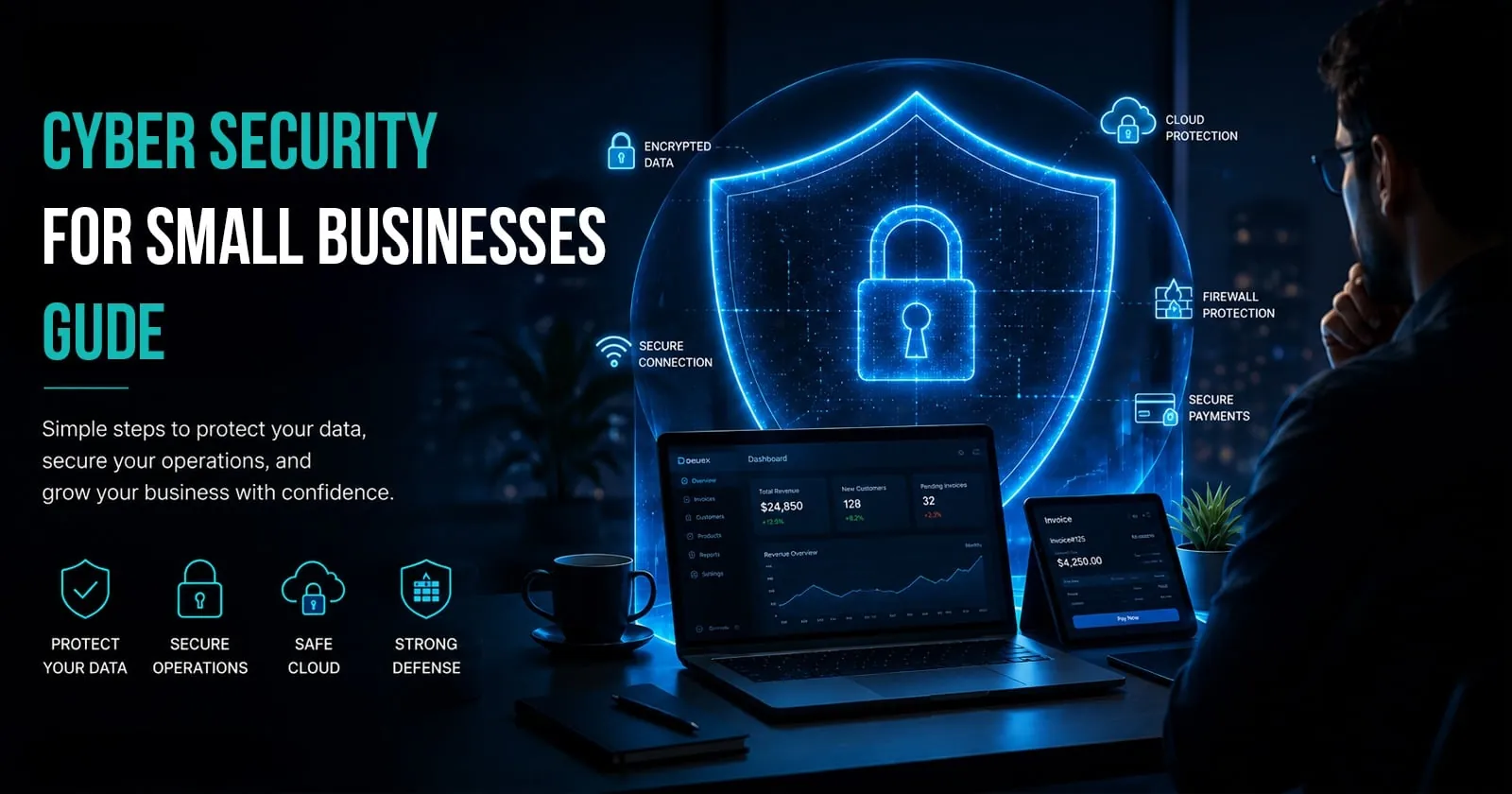
Quick Summary / Key Takeaways
To connect these controls with financial impact, read our real cost of a data breach.
If your team needs implementation support in this area, explore Deuex Solutions' cyber security company in India for planning, delivery, testing, and ongoing improvement.
-
Cybersecurity for small business is no longer optional. Small companies are frequent targets because attackers expect weaker defenses and faster payouts.
-
The biggest risks usually start with basic gaps such as weak passwords, missing updates, unsafe email habits, poor backup routines, and too much employee access.
-
You do not need a huge budget to get safer. Strong basics like multi factor authentication, patching, backups, endpoint protection, and staff awareness training can lower risk quickly.
-
Ransomware still hits smaller organizations hard. Verizon’s 2025 DBIR SMB snapshot says ransomware was present in 88% of breaches involving SMBs, and Verizon’s broader 2025 DBIR says the median ransom payment last year was $115,000.
-
The smartest approach is not buying every tool. It is building a short, repeatable security routine your team can actually follow.
Cybersecurity for small business usually becomes urgent only after a scare. A suspicious login. A fake invoice. A locked file server. By then, the pressure is real. This guide is here to help you get ahead of that moment, understand what matters most, and protect your business without turning security into a full time burden.
Why small businesses are being targeted
A lot of owners still think attackers only go after banks, giant retailers, or global software companies.
That belief is expensive.
Small businesses are attractive because they often store valuable data, rely on email for approvals, and operate with lean teams. Attackers know many smaller firms do not have dedicated security staff. They count on rushed decisions and unpatched systems. CISA says small businesses often lack the resources to defend against threats like ransomware, while Verizon’s 2025 DBIR highlighted the disproportionate impact of ransomware on SMBs.
In our experience, this is where the problem starts. Owners think, “We’re too small to be noticed.” Attackers think, “They’re small enough to be easier.”
That gap is where real damage happens.
What cybersecurity for small business actually means
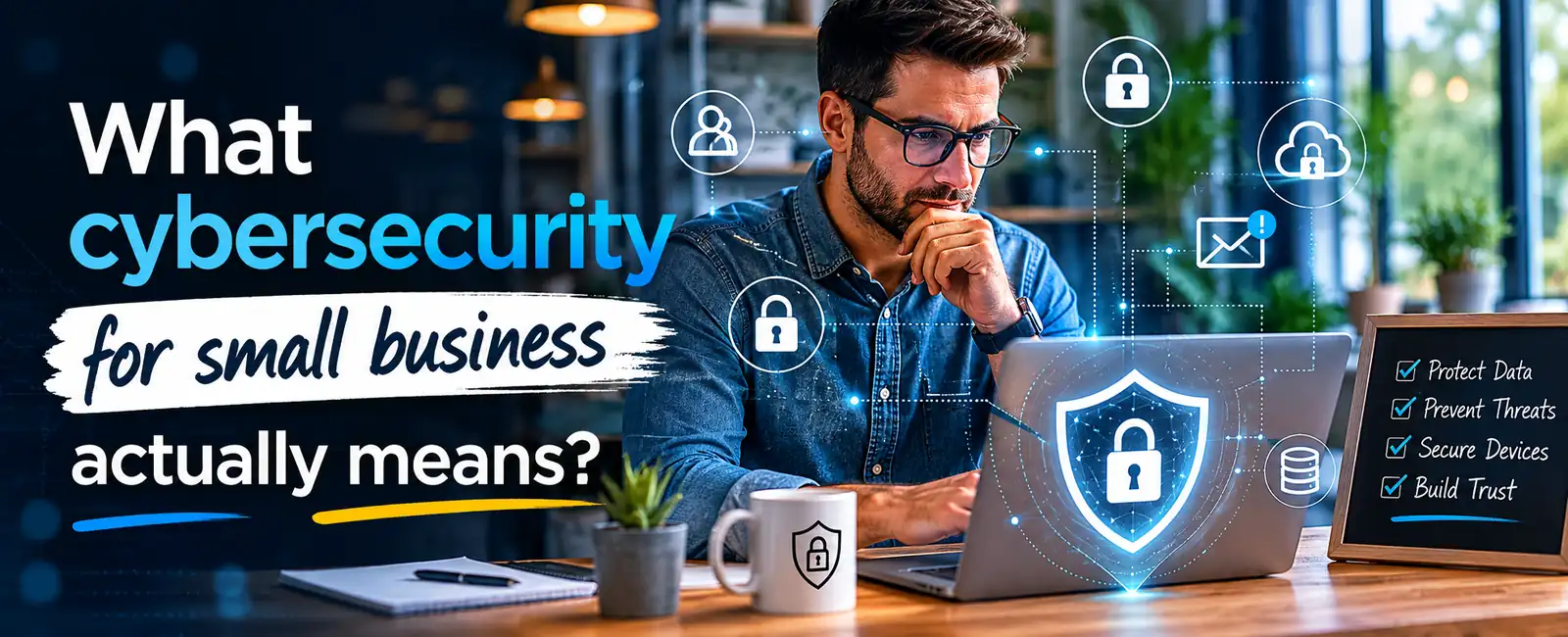
It does not mean building a military grade security operation.
It means reducing the most likely risks before they turn into lost money, lost customer trust, or downtime your team cannot absorb.
At a practical level, cybersecurity for small business means protecting:
-
Customer data
-
Payment details
-
Business email accounts
-
Employee devices
-
Cloud applications
-
Files and backups
-
Internal systems and admin access
It also means having a plan for what to do if something still goes wrong.
That second part matters more than people think.
When we worked with a growing client that had fewer than 40 employees, their main risk was not a dramatic breach. It was account misuse. Shared logins. Old laptops. Access permissions that never got cleaned up after role changes. Nothing looked alarming on its own. Together, it created a quiet mess. Once we mapped the gaps, the fixes were not complicated. They were just overdue.
That is common.
The biggest cyber threats small businesses face today
You do not need to chase every scary headline. Start with the attacks that hit smaller companies most often.
1. Phishing and email fraud
This is still one of the easiest ways in.
A fake login page. A fake invoice. A message that looks like it came from the founder. These attacks work because they target people, not just systems.
The FTC’s small business guidance puts strong focus on recognizing phishing, securing email, and training staff because this is where many compromises begin.
2. Ransomware
Ransomware can freeze operations fast. Files become unreadable. Systems stop. Teams scramble.
Verizon’s 2025 SMB snapshot says ransomware was present in 88% of breaches involving SMBs. Sophos also reported in its 2025 Annual Threat Report that ransomware remained a major threat to small and midsized firms, with ransomware making up 70% of Sophos Incident Response cases for small business customers in 2024.
3. Weak passwords and stolen credentials
A lot of attacks do not begin with clever hacking. They begin with reused passwords, exposed credentials, and logins without multi factor authentication.
4. Unpatched software
Old plugins, outdated operating systems, and neglected devices create open doors.
CISA repeatedly stresses patching and software updates as a basic defense for small businesses.
5. Too much employee access
Not every worker needs admin rights. Not every contractor needs permanent access. Small teams often blur these lines because it feels faster.
Later, it becomes a risk.
Common weak spots inside small businesses
Many owners ask, “Where do attacks usually get in?”
Here is the honest answer. Usually through the boring stuff.
We noticed that smaller teams often focus on buying one security tool and assume that tool is the answer. It rarely is. Security usually improves through a set of simple habits done consistently.
What good cybersecurity for small business looks like
Good security is not flashy. It is steady.
A strong small business setup usually includes:
-
Multi factor authentication on all important accounts
-
Password managers instead of reused passwords
-
Automatic updates and patch management
-
Endpoint protection on company devices
-
Secure backups that are tested
-
Limited user permissions
-
Email filtering and phishing awareness
-
A written response plan
-
Vendor and access reviews
-
Basic monitoring and alerting
That sounds like a lot. It is not as heavy as it looks once you put it into routine.
CISA’s “Secure Your Business” guidance pushes a focused set of best practices, including MFA, strong passwords, software updates, phishing resistance, and backups, because those actions are achievable for smaller organizations.
The small business myth that causes the most damage
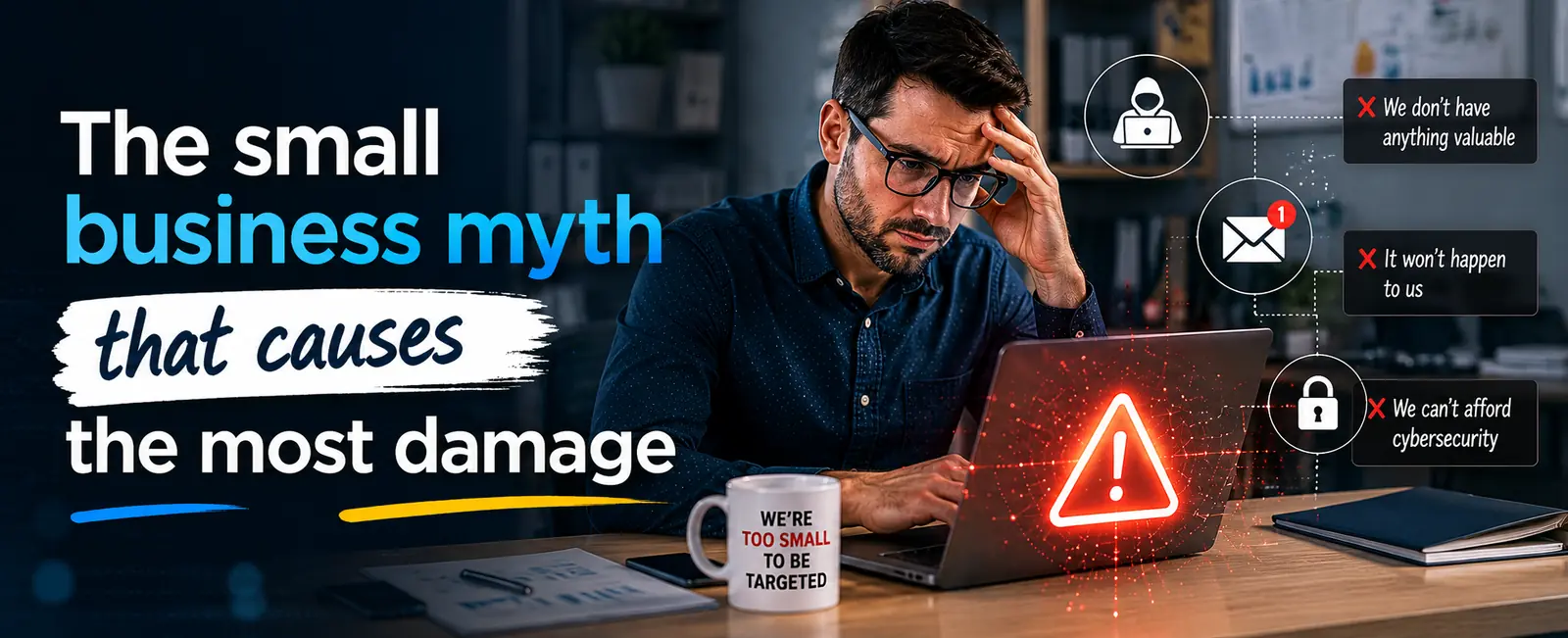
Let’s say this plainly.
“We have nothing attackers want” is one of the most expensive sentences a small business can say.
Attackers may want:
-
Customer records
-
Saved payment data
-
Tax information
-
Email access
-
Vendor payment approvals
-
Cloud storage
-
Login credentials
-
A quick ransom payment
They may also just want a weak system to exploit and move through.
When a small company gets hit, the damage is often sharper because the recovery buffer is smaller. A week of disruption can hurt payroll, sales, client relationships, and internal morale all at once.
Practical first steps if you are starting from zero
If your current security process is loose, do not freeze. Start with the basics that reduce real risk.
Your first 30 day checklist
That one table can move a business from exposed to much safer.
In our experience, the biggest early win is MFA. It is simple. It is not glamorous. It blocks a shocking number of preventable account takeovers.
How much should a small business spend on cybersecurity
This is where owners often get stuck.
There is no perfect number because risk changes with your size, industry, data volume, and business model. A company processing online payments or handling sensitive client data should spend differently than a local services firm with light digital exposure.
What matters is not spending big. It is spending in the right order.
A simple way to think about budget
A lot of smaller businesses overspend on one tool and underspend on training, backups, and access control. That mix usually backfires.
When we worked with one client, the most helpful change was not buying a new product. It was cleaning up admin rights, rolling out MFA, and tightening approval steps around finance emails. Their risk dropped fast because the obvious gaps were finally closed.
Real world examples of how smaller firms get caught
Example 1: The fake invoice problem
A team receives an email that looks like it came from a known vendor. The wording feels normal. The invoice amount is believable. Payment instructions changed.
No one verifies it.
Money goes out. Recovery gets messy.
This kind of fraud is painful because it feels routine right until it is not.
Example 2: The old laptop risk
A former employee still has access to shared tools, cloud files, and an old company laptop that was never wiped. That device later becomes the weak point.
No hacking movie scene. Just loose process.
Example 3: The locked file server
Backups exist, but no one tested them. A ransomware event hits. Files are encrypted. Recovery begins, and then the team realizes the backup version is incomplete.
That is the moment when a backup plan turns into a backup lesson.
Cybersecurity for small business and remote work
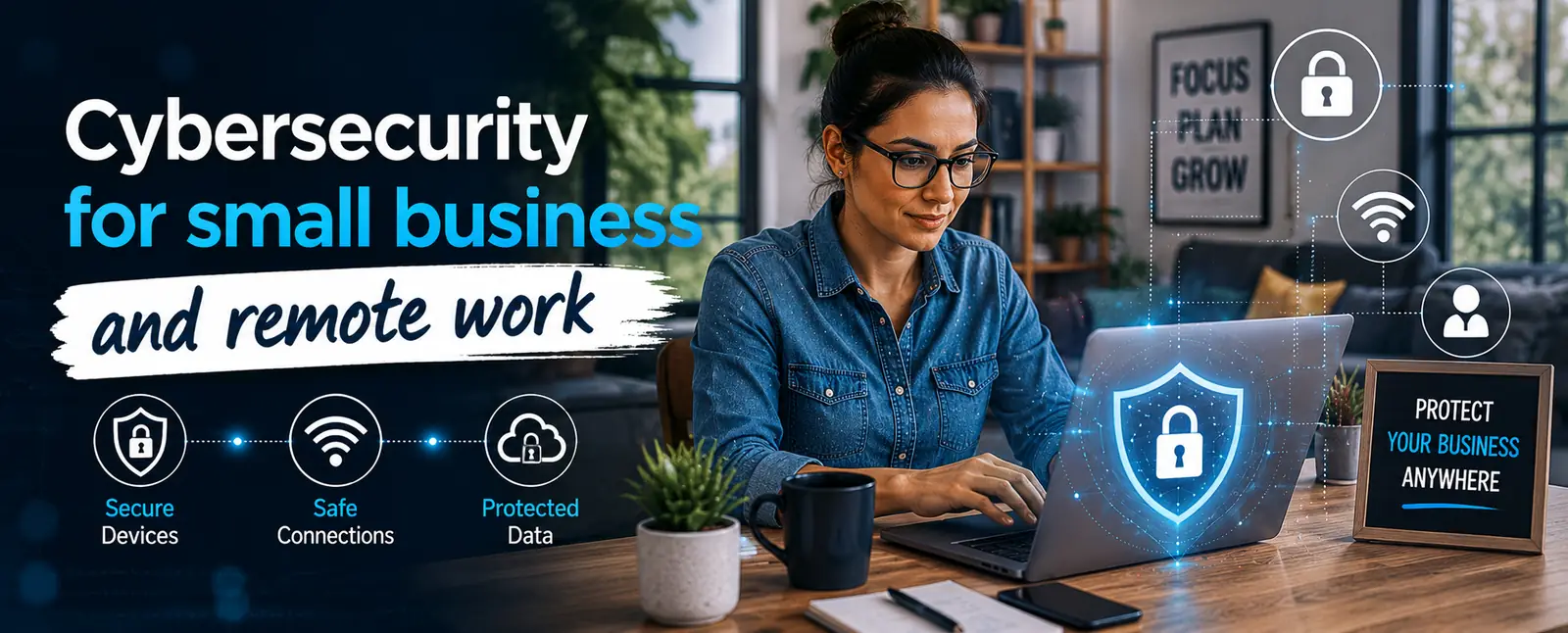
Remote work made business more flexible. It also widened the attack surface.
Small business owners now have to think about:
-
Home Wi Fi quality
-
Personal devices used for work
-
Cloud file sharing
-
Unmanaged browser extensions
-
Public network use
-
Missing device encryption
That does not mean remote work is unsafe. It means remote work needs rules.
Some easy rules go a long way:
-
Company approved devices for sensitive work
-
MFA on all cloud apps
-
Encrypted laptops
-
Screen locks
-
No password sharing over chat
-
Clear offboarding steps
-
VPN or secure access setup where needed
We noticed that remote work often exposed weak habits that already existed. It did not create all the risk. It revealed it.
The role of employee training
Most attacks are not purely technical.
A tired employee clicks the wrong link. A finance manager trusts a fake request. A founder reuses a password across tools. That is how many incidents begin.
This is why staff awareness matters so much.
Good training should be:
-
Short
-
Repeated
-
Role based
-
Easy to remember
-
Supported by real examples
One lecture a year will not do much. People remember what is practiced, not what is posted once in a policy file.
FTC and CISA both emphasize awareness, phishing recognition, and simple employee habits because people are often the first line of defense.
Do small businesses need a cyber incident response plan
Yes. Even a short one.
Without a plan, the first hour of an incident gets wasted on confusion.
A basic small business incident plan should answer:
-
Who needs to know first
-
Who can isolate affected systems
-
Which vendors or IT partners to call
-
How to preserve evidence
-
How to communicate with customers if needed
-
When to involve legal or law enforcement
-
How to recover from backups
You do not need a giant binder. You need a usable document.
That is a big difference.
Warning signs your business may already be exposed
Look for these red flags:
-
Logins from unusual locations
-
Staff sharing passwords
-
Too many users with admin rights
-
Old software that “still works fine”
-
Backups that were never tested
-
Former employees still active in systems
-
Unknown browser extensions
-
Repeated phishing emails landing in inboxes
-
No one clearly owns security decisions
If several of these sound familiar, that is your signal.
Not to panic. To act.
What small businesses should do next
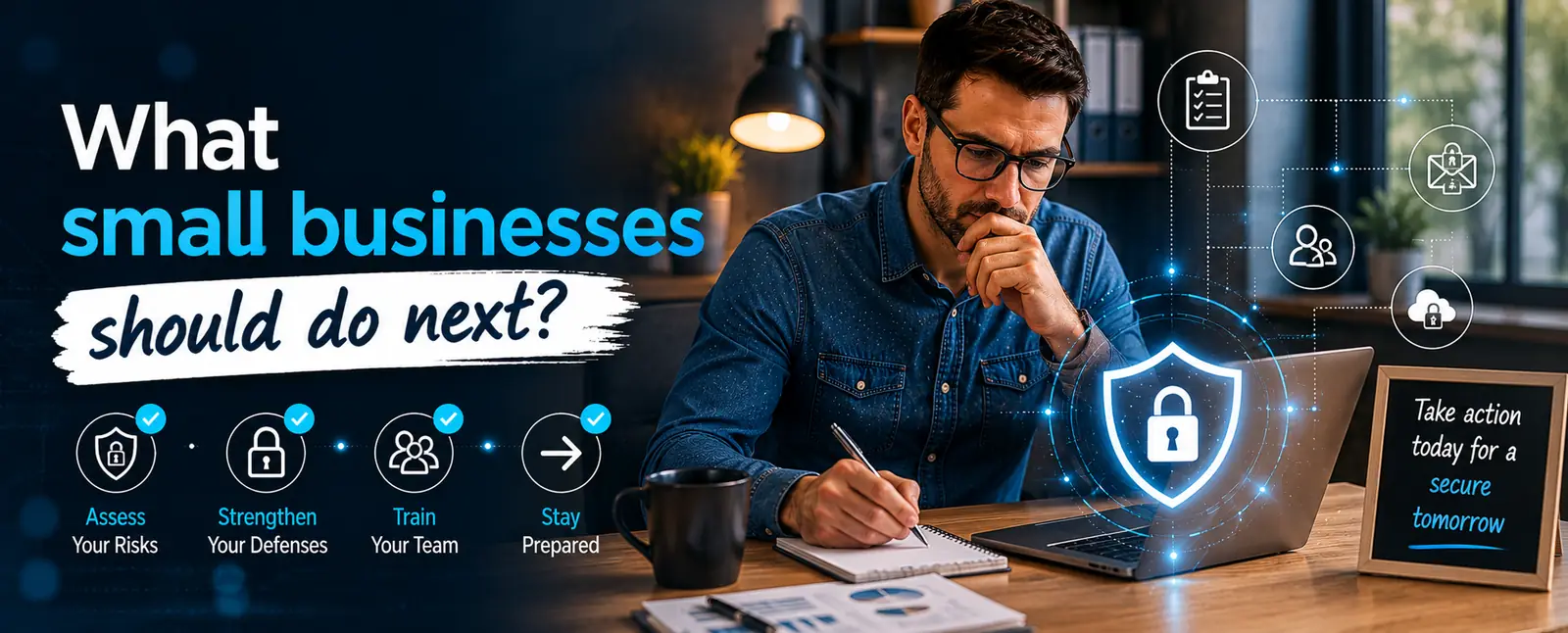
The best time to improve security is before a bad week forces the issue.
Start with what matters most. Protect email. Tighten access. Back up files properly. Review who has admin rights. Update devices. Train your people in plain language. Build a short incident plan. Then keep going.
That is how cybersecurity for small business becomes real. Not through fear. Through practical steps repeated over time.
In our experience, owners feel more in control the moment security stops being vague. Once the business knows what to protect, who owns what, and what happens if something breaks, the stress level drops. Security becomes part of operations, not a mysterious side topic.
That shift is worth a lot.
Ready to strengthen your business security
If you want to protect your business without wasting time on random tools and scattered advice, start with a clear review of your current gaps.
At Deuex Solutions, we help businesses assess risk, improve access controls, harden systems, support secure development, and build security routines that fit real teams.
If you want a practical cybersecurity plan for your small business, contact Deuex Solutions today. We will help you find the weak points, fix the high risk issues first, and build a setup your team can actually maintain.
Related reading


Sanket Shah
CEO & Founder
I am Sanket Shah, founder and CEO of Deuex Solutions, where I focus on building scalable web mobile and data driven software products with a background in software development. I enjoy turning ideas into reliable digital solutions and working with teams to solve real world problems through technology.